
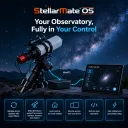
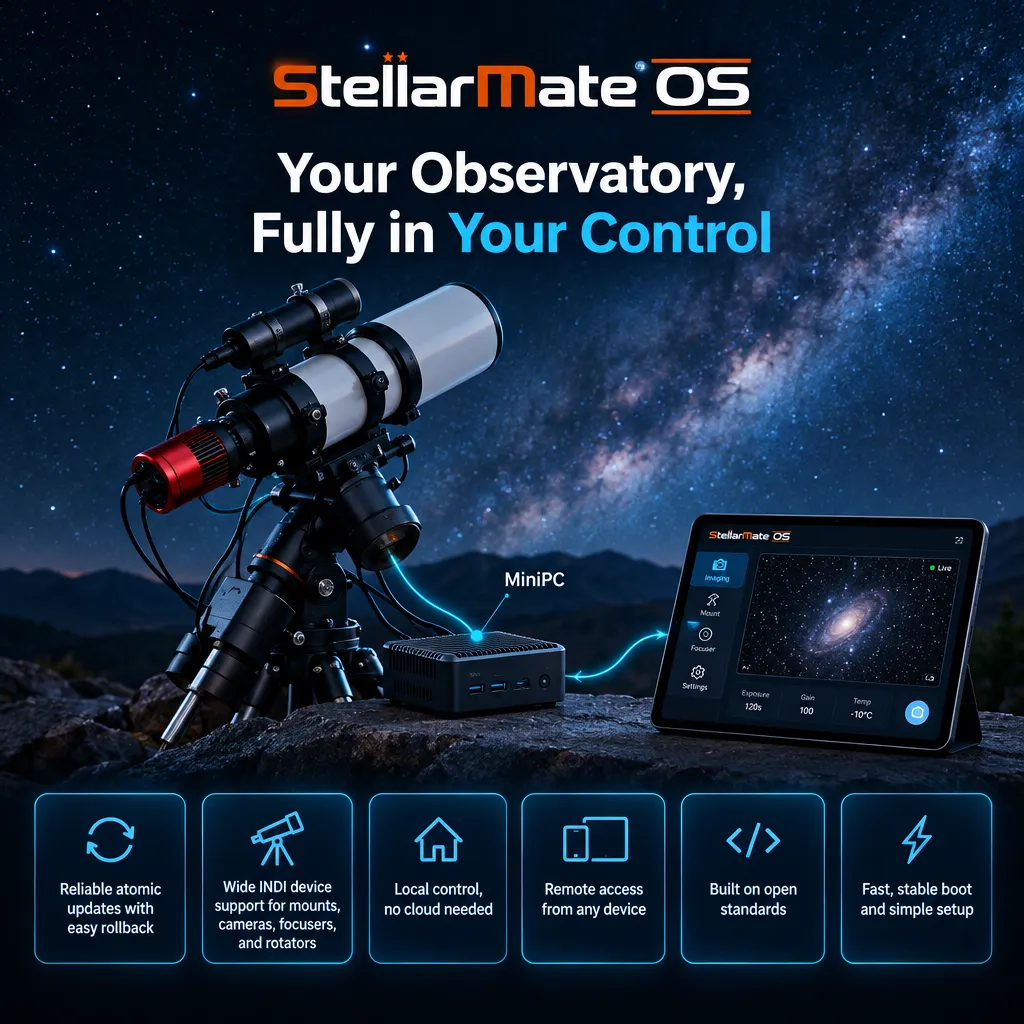
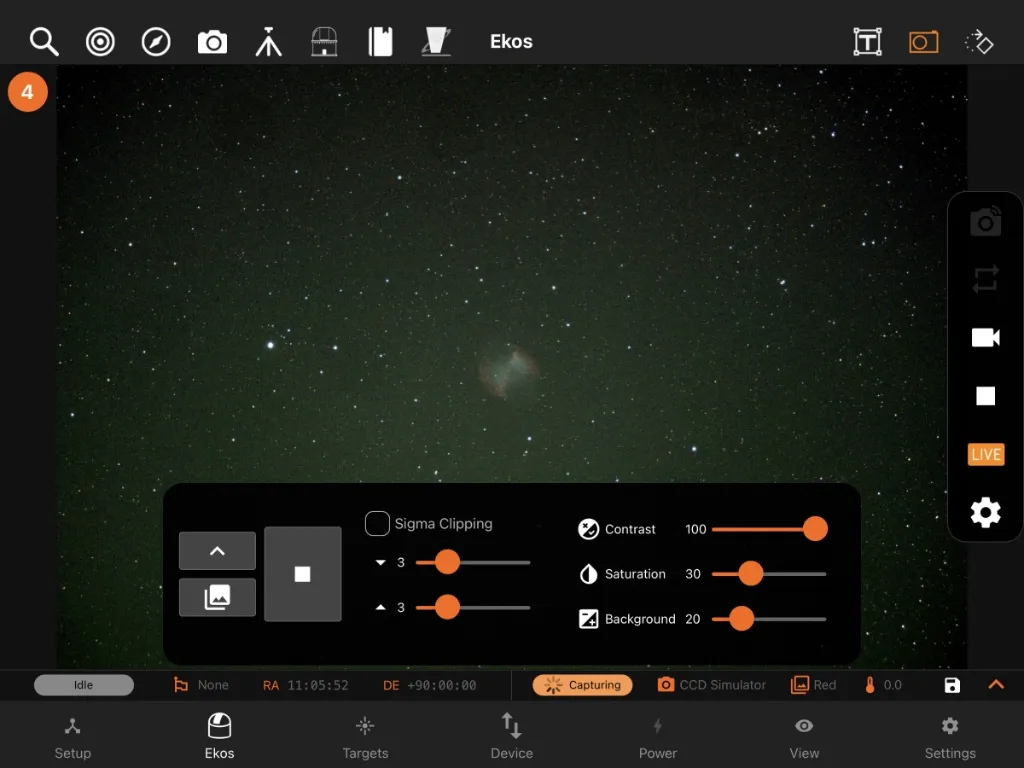
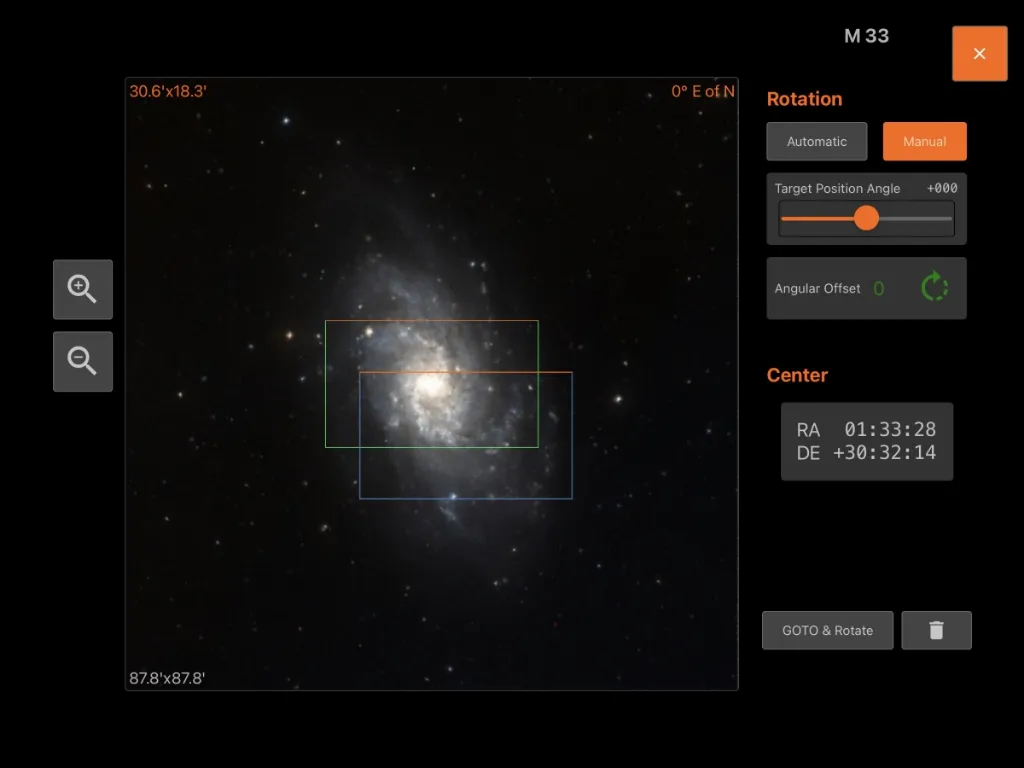
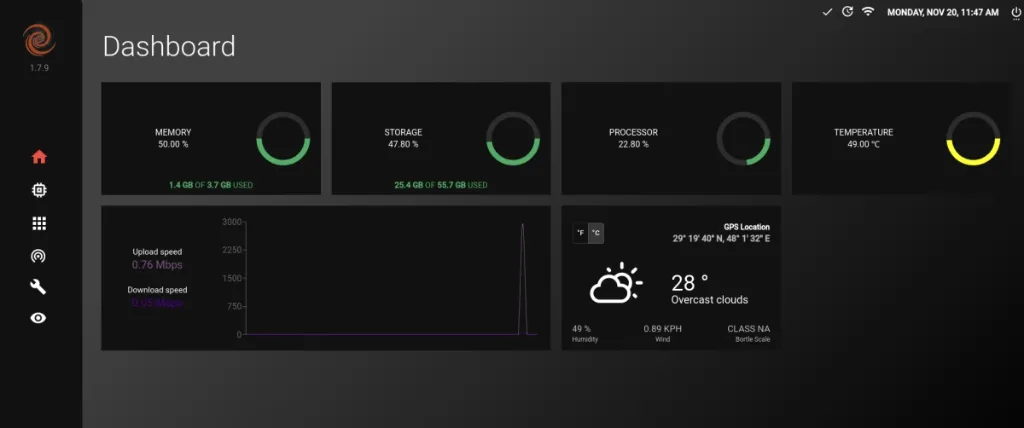
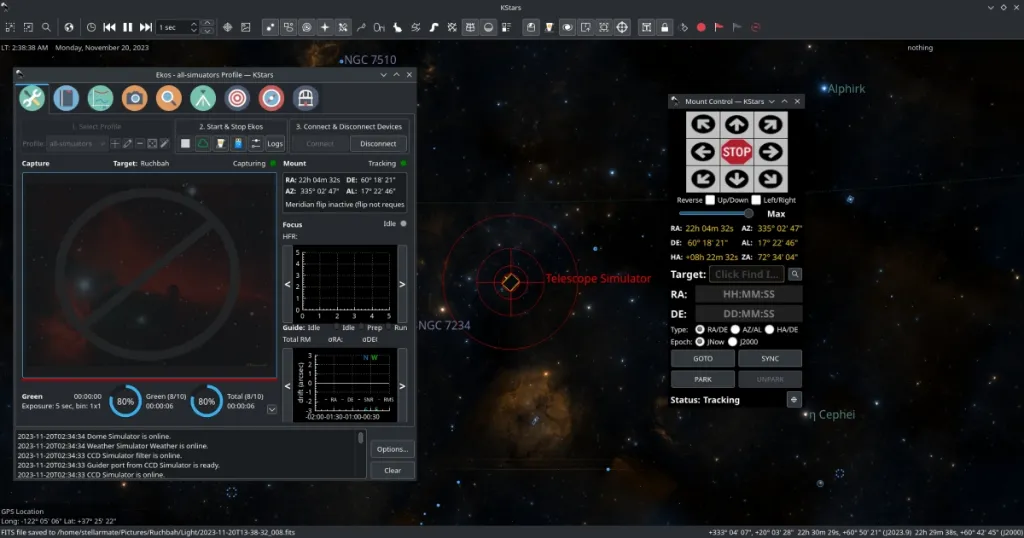
StellarMate OS v2.0 is designed for Mini PCs. StellarMate OS is a complete software package ready for deployment on your Intel/AMD Mini PC. It is provided as an ISO that you can flash to a USB thumb stick and fire it up immediately to enjoy the full benefit of the StellarMate software stack.
Requirements
- Dedicated Intel/AMD Mini PC with a minimum of 32GB internal storage, 4GB RAM, and WiFi (2.4/5Ghz). StellarMate X will utilize the full disk space. There is no support for partitioning or dual-booting.
- A 32GB+ USB thumb drive to flash the SM OS ISO onto.
- Keyboard + HDMI to initially set up the SM OS in the Mini PC.
- The Mini PC must support UEFI.
- If using a DSLR camera, then you must first ensure the camera is supported before you proceed.
Download
After your purchase, you will receive a link in your email to download the file. Since the file size is ~7GB, it is highly recommended to use a dedicated download manager to download the file. After you download the file, you can verify its integrity by computing its hash. Use Quick Hash GUI to verify the integrity of the ISO file:
- StellarMate OS: StellarMateOS_2.4.0.iso
- SHA256: a814f0477131ae3f4b77e87682d7e3c2aa0fc3b5f7440742c9edb9d585dbbe65
If you need to download StellarMate OS again in the future, make sure you are logged in to the stellarmate.com website and then go to the Orders page. You should see a list of your orders. Click on your order link, then scroll down to see the downloads. Make sure to download the SM OS version appropriate for your hardware platform.
Installation
Raspberry PI Imager is a graphical SD card writing tool that works on Mac OS, Linux, and Windows, and is the easiest option for most users. It supports writing images directly from a compressed file, without any decompression required. To flash the SM OS ISO:
- Download Raspberry Pi Imager and install it.
- Insert a 16GB+ USB thumb stick into your Mac/PC.
- Open Raspberry PI Imager and select from your disk the downloaded StellarMate X ISO image.
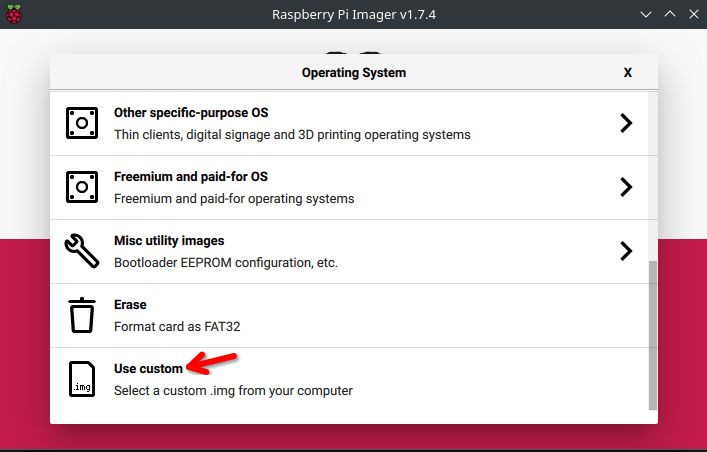
- Select the USB thumb stick you wish to write your ISO to.
- Click WRITE to begin writing data to the USB thumb drive.
Setup
Once the ISO is flashed to the USB thumb drive, insert the USB stick into your Mini PC and then power it up:
- Tap the appropriate key to enter the BIOS menu. For StellarMate X Units, tap the DEL key on the keyboard to enter the BIOS Menu.
- Select Boot menu, then adjust Boot Option #1 so that it boots from the USB thumb drive. Select UEFI: USB, Partition 1
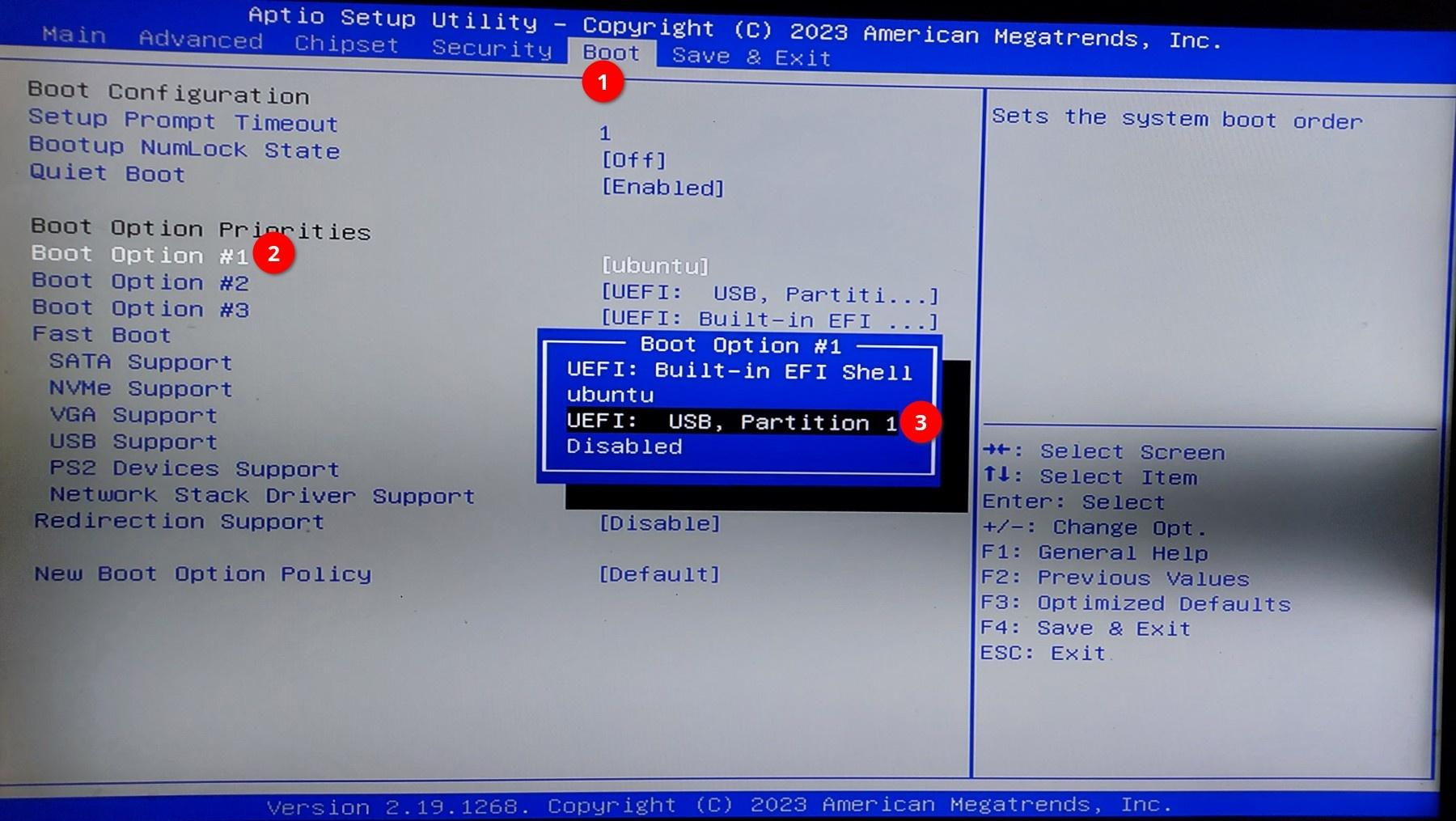
- Go to the Save & Exit menu and then confirm saving and exiting the BIOS.
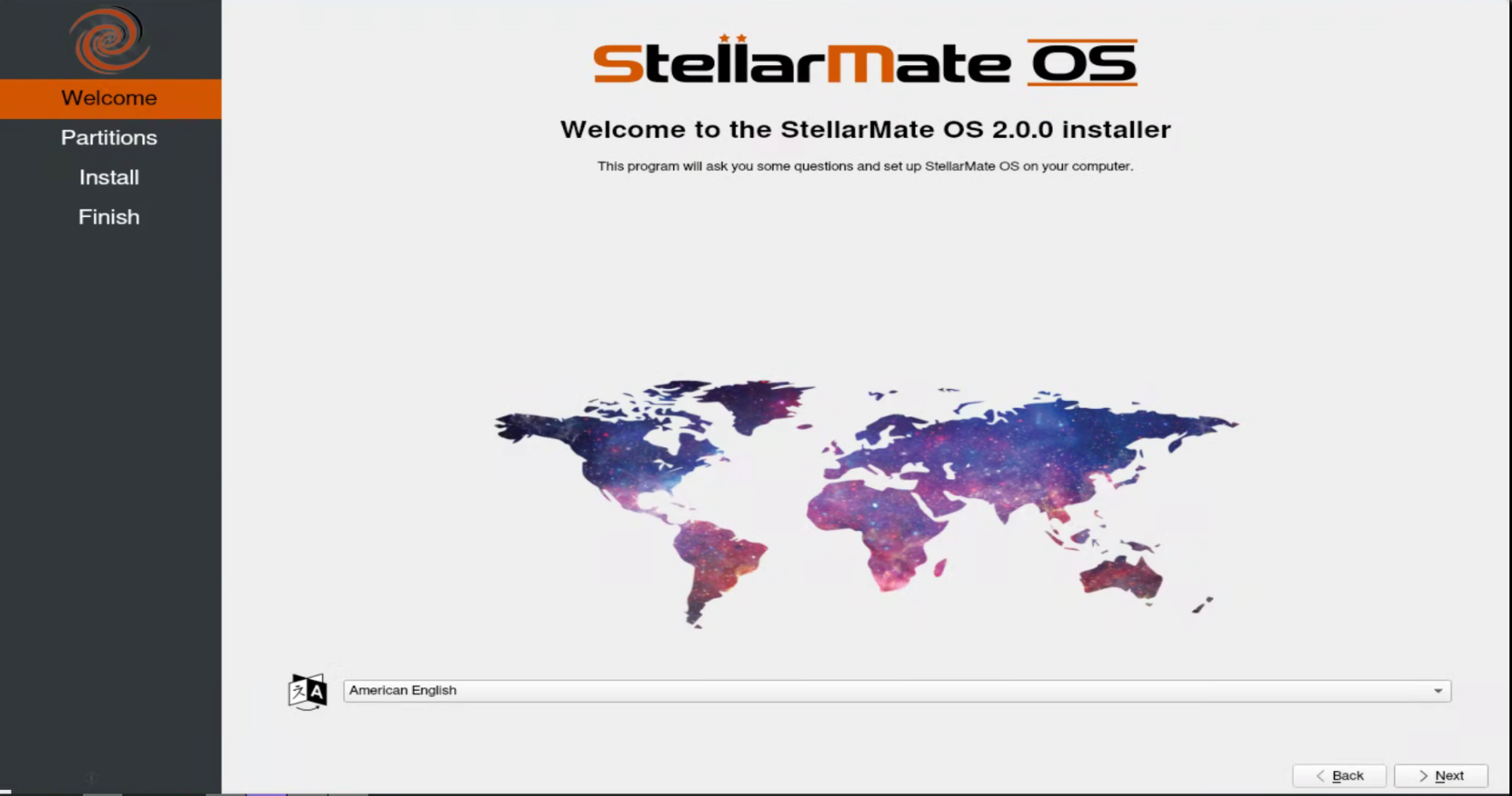
- After the system is up, you will see the graphical installer. Click on Next to proceed with the installation.
- Select the target disk to install StellarMate X to. Select Erase disk to clean the previous files from the disk. Click on Install to start the installation.
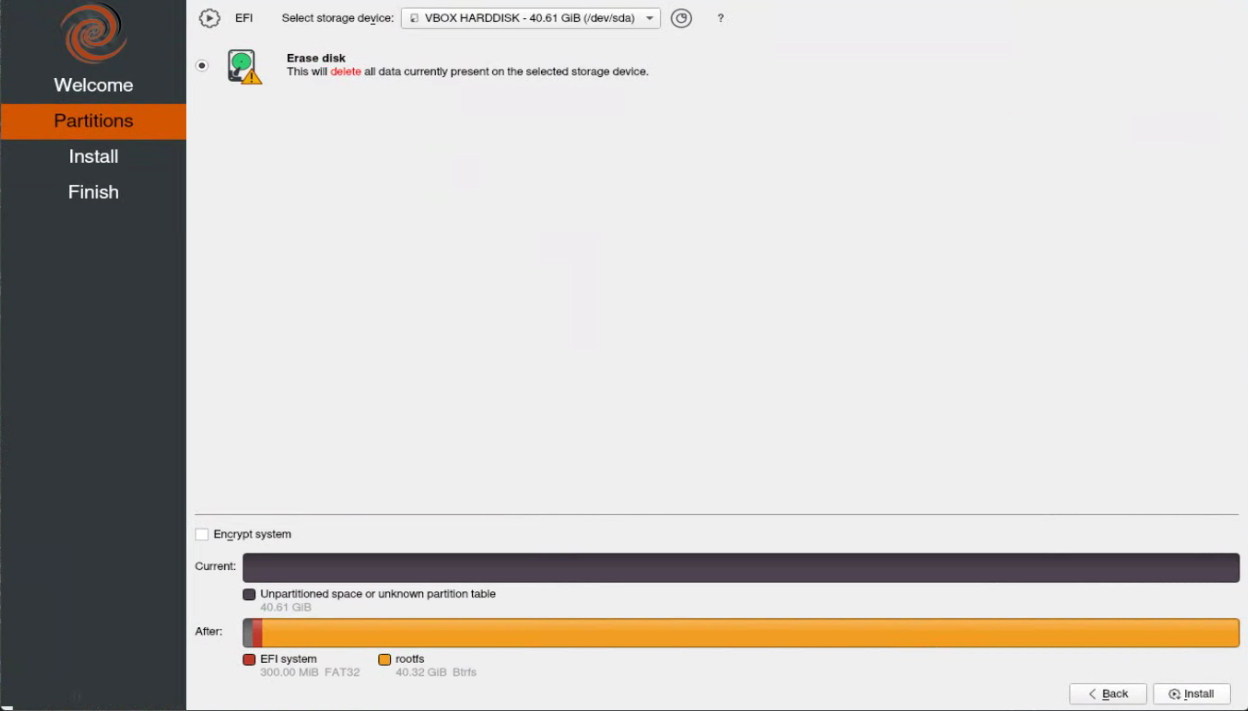
Warning! StellarMate OS will take the full disk space. All data on the target disk WILL BE COMPLETELY WIPED AND IS UNRECOVERABLE. You can not dual-boot or partition the installation. The Mini PC should be fully dedicated to StellarMate OS.
Graphics Card Support
- StellarMate OS is designed for Intel-based graphics. For a headless setup using an NVidia/AMD graphics card, you will need to use an HDMI Dummy Plug to properly utilize VNC & RustDesk for remote access.
- When using an external monitor, sometimes the internal VIRTUAL1 display is not mirrored to the external display. Unplug and replug the HDMI cable to force it to mirror again, or restart the mini PC.
Passwords
- The default StellarMate OS password is smate
- The default StellarMate WiFi HotSpot password is stellar@mate
Learning StellarMate
For new users, using StellarMate effectively can take a bit of a learning curve (like everything else), especially given the breadth of the features if provides. Here are some useful resources to get you started:
- First Time Setup tutorial.
- StellarMate Video tutorials.
- Ekos Video Tutorials.
What's new with SM OS 2.0?
1. Atomic Updates
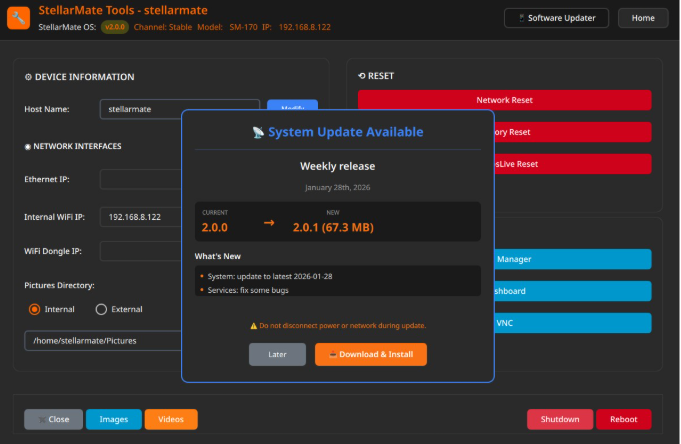
Updates are delivered as complete, tested packages that are applied all at once—ensuring your entire system stays consistent. Delta updates mean only the changes are downloaded, saving bandwidth. If an update causes any issues, you can easily roll back to a previous version from the StellarMate App or StellarMate Tools. Perfect for remote setups where reliability is critical.
2. Integrity Checks
A service runs at every startup to verify that all system files are intact and in working order. If any corruption or issues are detected, the system automatically recovers to ensure you always boot into a fully functional state. Your observatory stays reliable without manual intervention.
3. Native NVMe & SD Card GUI Installer
The new graphical installer makes setup effortless, whether you're setting up a Raspberry Pi, Mini PC, or StellarMate Controller. Just follow the clear on-screen prompts—the installer handles all the technical details automatically. Installation is now point-and-click simple across all platforms.
4. Rolling OS with Latest Updates
Your system continuously receives the latest drivers for WiFi, cameras, mounts, and other peripherals without waiting for major OS releases. No more reinstalling a completely new OS every two years, like with the old Debian-based system. Security updates, performance improvements, and new hardware support
5. Snapshots and Rollbacks
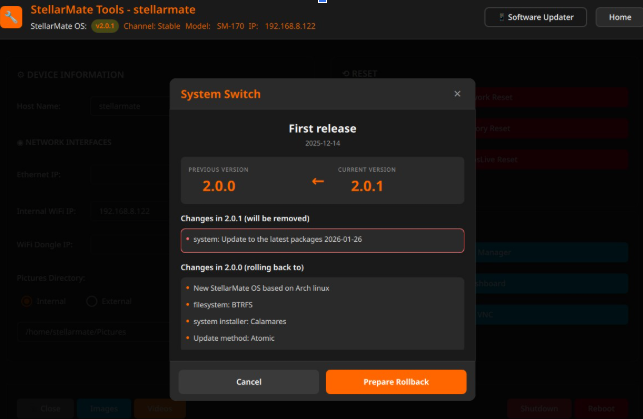
The system automatically saves its state before updates and configuration changes. If something doesn't work right, simply select a previous snapshot from the StellarMate App or StellarMate Tools to instantly restore your system to a working state. Experiment freely, knowing you can always undo changes with ease.
Support
We are proud to offer top-notch support for our customers. Please make sure to check out the Frequently Asked Questions and Tutorial articles. To report any issues with StellarMate or Ekos, please submit a ticket , and our support team will get back to you as soon as possible. Please make sure to submit the relevant logs to aid in diagnosing and resolving the issue efficiently.
Release History
- v2.4.0 Release 2026-10-05
- KStars 3.8.5 and INDI v2.2.5
- Bug fixes and performance improvements.
- v2.3.0 Release 2026-08-05
- KStars 3.8.4 and INDI v2.2.4
- Bug fixes and performance improvements.
- v2.2.1 Release 2026-06-05
- KStars 3.8.3 and INDI v2.2.2
- Bug fixes and performance improvements.
- v2.1.1 Release 2026-04-09
- KStars 3.8.2 and INDI v2.2.0
- Bug fixes and performance improvements.
- v2.0.1 Release 2026-03-15
- New Gaia astrometry files
- Bug fixes and performance improvements.
- v2.0.0 Release 2026-02-08
- New StellarMate OS with Flatpak and Hot-plugging support.
- Bug fixes and performance improvements.