
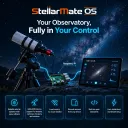
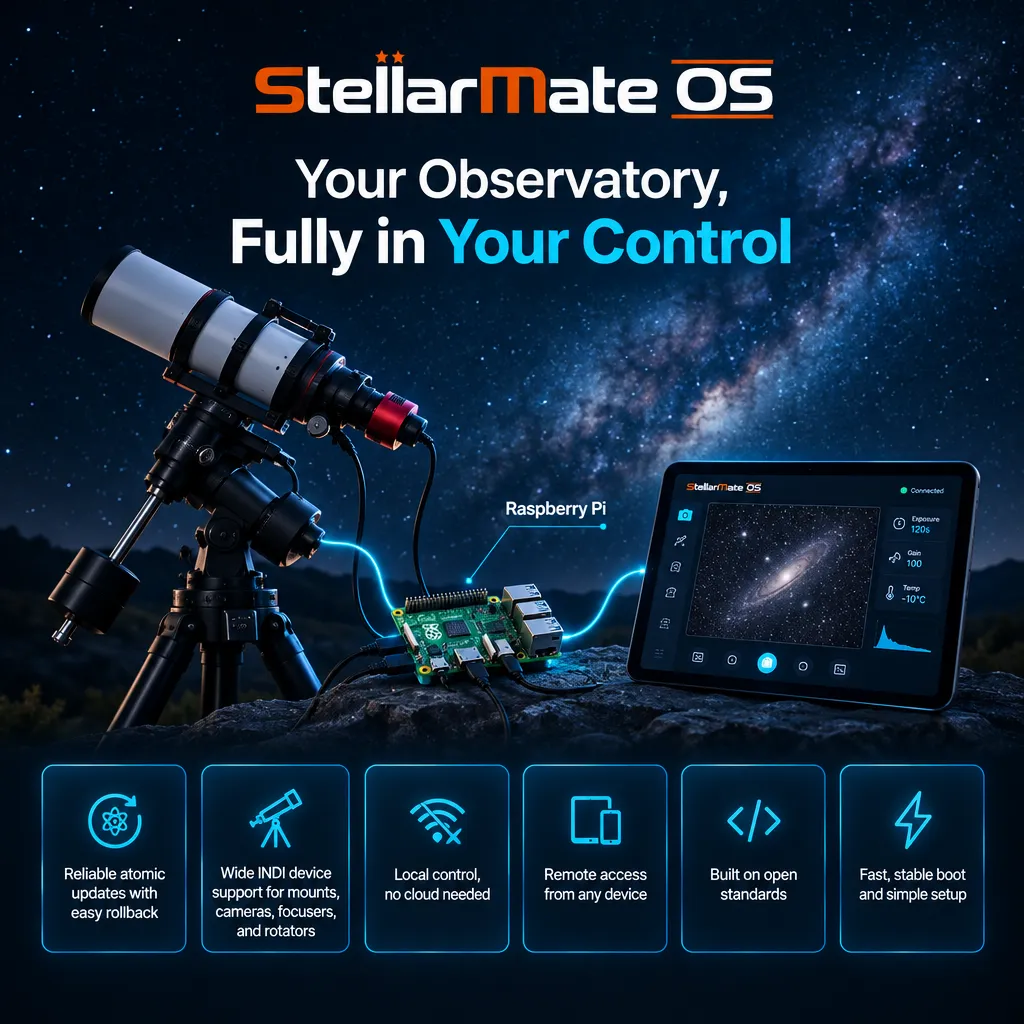
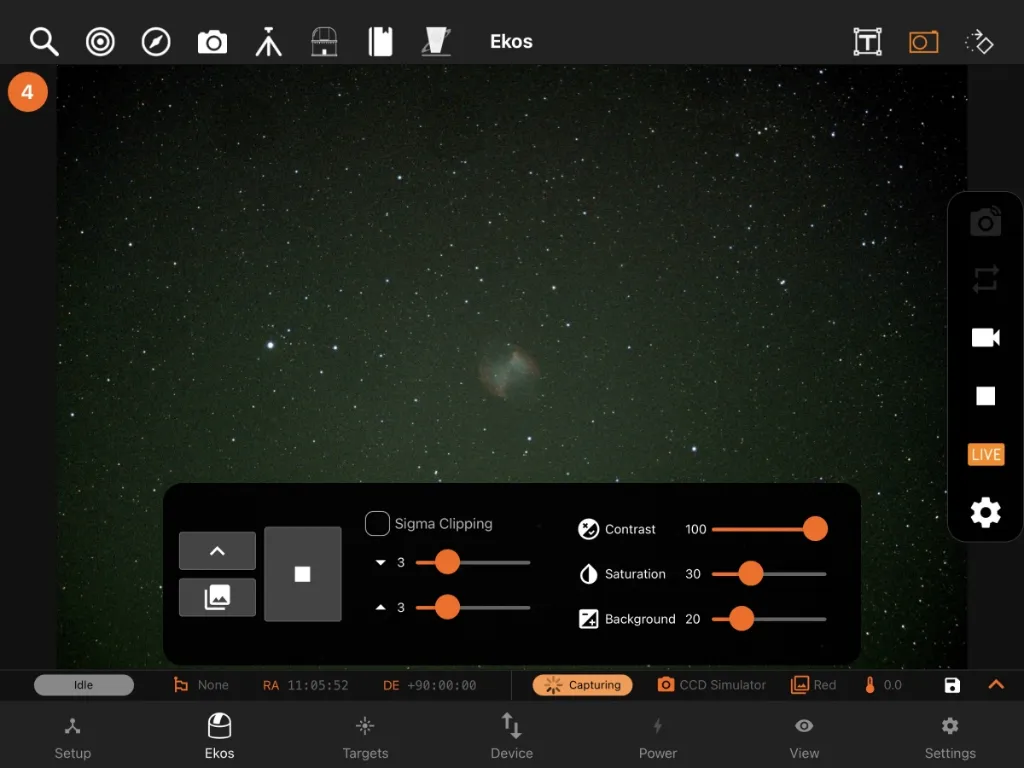
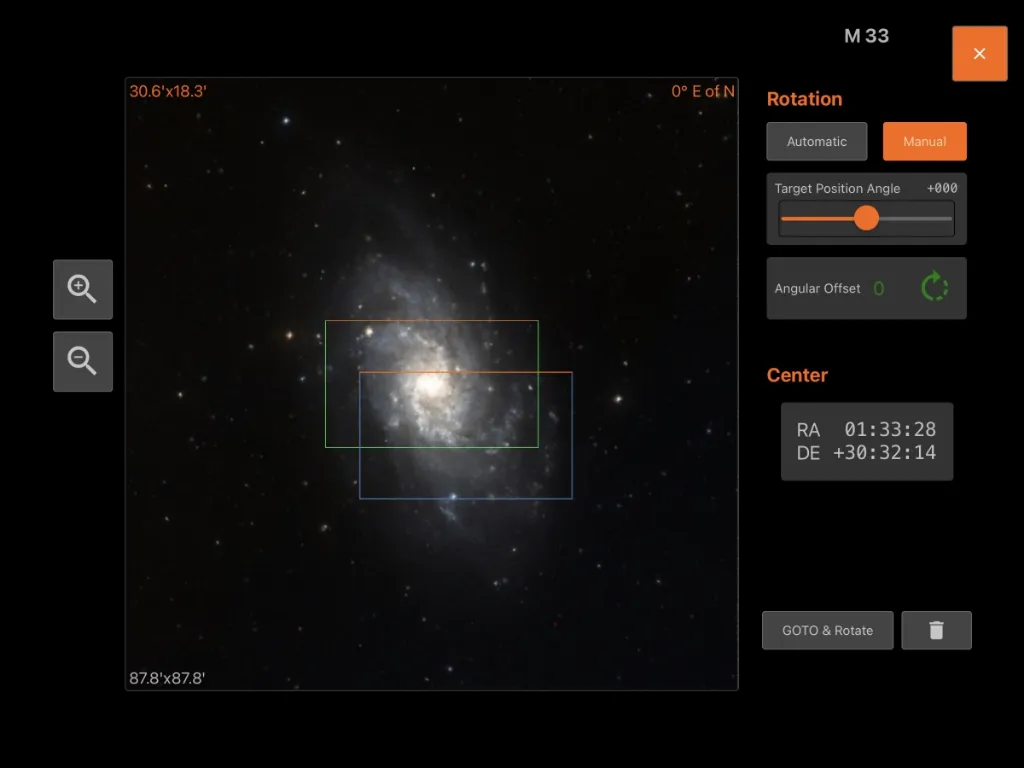
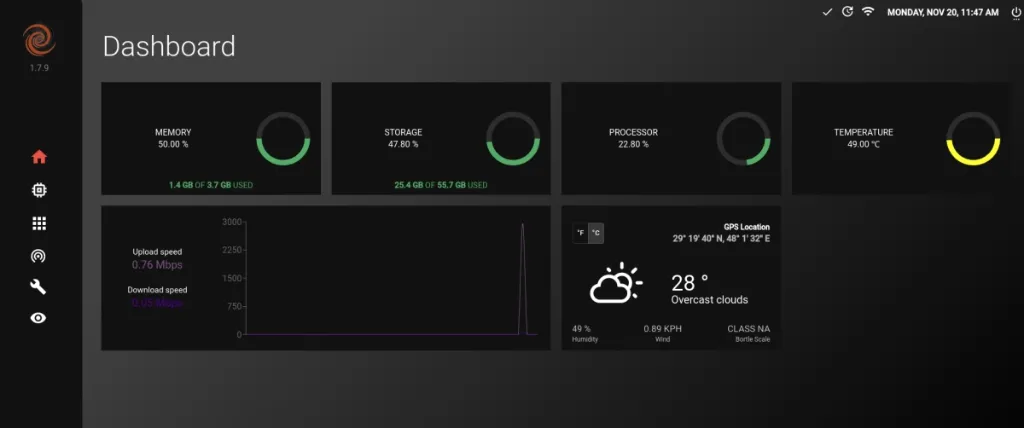
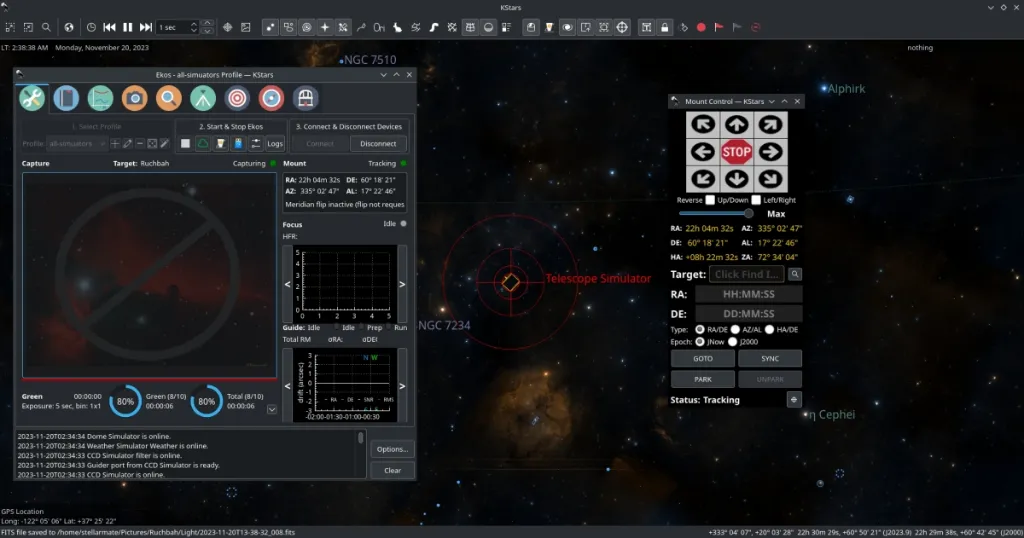
For experienced users who already own a Raspberry Pi 4 or 5 unit, StellarMate OS is a complete software package ready for deployment on your Raspberry Pi. It is provided as a compressed OS Image file (.img.xz) that you can burn to an SD card and fire it up immediately to enjoy the full benefit of the StellarMate software stack. The following packages are included in addition to the base OS:
- INDI
- KStars/Ekos
- PHD2
- Astrometry.net with index files.
Requirements
- Raspberry PI 4/5 with 4GB RAM or higher. Raspberry PI3 is not supported.
- A 32GB+ Class 10 MicroSD card is highly recommended.
- If using a DSLR camera, then you must first ensure the camera is supported before proceeding.
A 3A+ 5v power supply for Raspberry PI 4 and a 5A+ 5v power supply for Raspberry PI 5 are required in order to properly operate StellarMate OS on Raspberry Pi 4/5. Using anything less than the specified amperage would result in system instabilities and possible corruption. Invest in a reputable power supply before you boot StellarMate OS.
Download
After your purchase, you will receive a link in your email to download the image files. We offer two installation images depending on where you want to install.
1. Install on Raspberry Pi SD Card
Since the file size is ~6.2 GB, it is highly recommended to use a dedicated download manager to download the file. After you download the file appropriate for your Raspberry Pi version, you can verify its integrity by computing its hash. Use Quick Hash GUI to verify the integrity of the image file. There are two files available for download:
- File: StellarMateOS_2.4.0_RPI.img.xz
- SHA256: d3e05ebb67d38c437bf08eb73bfc76e32e4195de476ddff388a3774165ee54b4
Raspberry PI Imager is a graphical SD card writing tool that works on Mac OS, Linux, and Windows, and is the easiest option for most users. It supports writing images directly from the zip file, without any unzipping required. To flash the SM OS image:
Do not customize any settings using Raspberry PI imager. Flash the image as-is without making any changes to the image; otherwise, it may fail to start.
Raspberry PI Imager is a graphical SD card writing tool that works on Mac OS, Linux, and Windows, and is the easiest option for most users. It supports writing images directly from a compressed file, without any decompression required. To flash the SM OS image:
- Download Raspberry Pi Imager and install it.
- Insert a 16GB+ USB thumb stick into your Mac/PC.
- Open Raspberry PI Imager and select from your disk the downloaded StellarMate RPI .xz image.
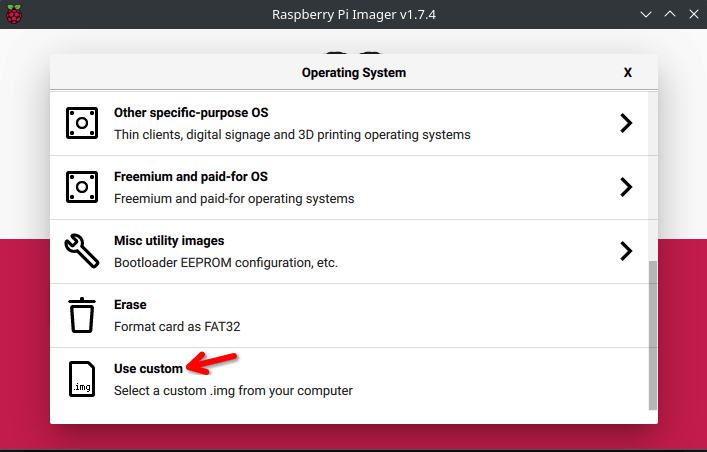
- Select the USB thumb stick you wish to write your image to.
- Click WRITE to begin writing data to the USB thumb drive.
2. Install to Raspberry Pi NVMe Disk
The Raspberry Pi NVMe image is designed for installation on Raspberry Pi devices equipped with NVMe disks. This installation method uses a graphical installer and requires a monitor, keyboard, and mouse.
Download:
- File: StellarMateOS_2.4.0_RPI_NVME.img.xz
- SHA256: 150dfe66b5f103f8f37a50a67023a58a139a7b4156f88247253e6b44fe519bc7
Flash the image to a USB drive or SD card (minimum 16GB) using Raspberry Pi Imager, following the steps outlined above
Boot Order (if NVMe already has a bootable OS):
If an older OS is already installed and bootable on your NVMe disk, you must change the boot order to prioritize USB boot:
Set BOOT_ORDER=0xf164, then save and exit.
Installation:
- Using a USB drive: Remove any SD card from the Raspberry Pi, insert the USB drive, and power on
- Using an SD card: Remove all USB devices, insert the SD card, and power on
- Make sure the LAN cable is unplugged.
The graphical installer will load automatically. Follow the on-screen prompts to select your NVMe disk as the installation target. Once installation completes, remove the installation media (USB drive or SD card) and reboot.
If you need to download StellarMate OS again in the future, make sure you are logged in to the stellarmate.com website and then go to the Orders page. You should see a list of your orders. Click on your order link, then scroll down to see the downloads. Make sure to download the SM OS version appropriate for your hardware platform.
Boot up
Once the image is burned to the card, insert the microSD card into the Raspberry PI 4/5 and power it up.
Note: StellarMate can take up to 2 minutes before switching to HotSpot mode on first startup. By default, StellarMate runs on 5 GHz WiFi. Your phone/tablet must support 5Ghz WiFi in order to connect to StellarMate. It is possible to configure StellarMate to run on 2.4Ghz afterwards, but it is not recommended.
Bootloader update required:
If the unit is not booting or you cannot access it via VNC, your Raspberry Pi bootloader is likely out of date. Update it first using Raspberry Pi Imager. Follow the official HOWTO.
Passwords
- The default StellarMate OS password is smate
- The default StellarMate WiFi HotSpot password is stellar@mate
Learning StellarMate
StellarMate is a versatile OS that supports multiple methods to control it.
- Use the StellarMate App for iOS/Android to fully control StellarMate (Recommended).
- Control StellarMate OS remotely from KStars, which is a desktop application available for Mac/Linux/Windows.
- Access SM OS remotely via VNC (over the local network) or RustDesk (over the internet) to control KStars directly.
- Access SM OS directly like a regular computer with Keyboard/Mouse and HDMI attached.
For new users, using StellarMate effectively can take a bit of a learning curve (like everything else), especially given the breadth of the features if provides. Here are some useful resources to get you started:
- First Time Setup tutorial.
- StellarMate Video tutorials.
- Ekos Video Tutorials.
What's new with SM OS 2.0?
1. Atomic Updates
Updates are delivered as complete, tested packages that are applied all at once—ensuring your entire system stays consistent. Delta updates mean only the changes are downloaded, saving bandwidth. If an update causes any issues, you can easily roll back to a previous version from the StellarMate App or StellarMate Tools. Perfect for remote setups where reliability is critical.
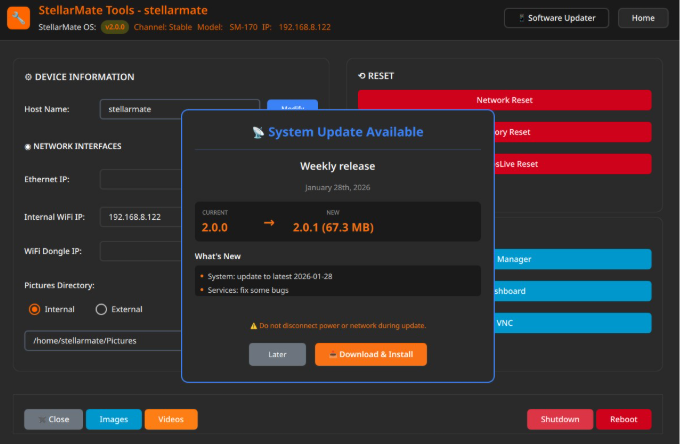
2. Integrity Checks
A service runs at every startup to verify that all system files are intact and in working order. If any corruption or issues are detected, the system automatically recovers to ensure you always boot into a fully functional state. Your observatory stays reliable without manual intervention.
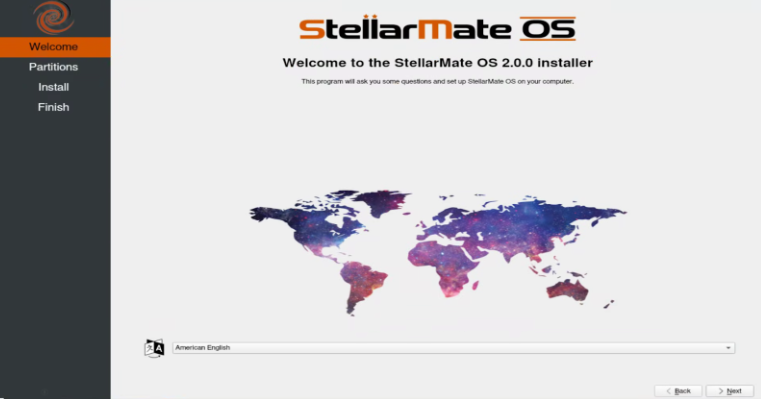
3. Native NVMe & SD Card GUI Installer
The new graphical installer makes setup effortless, whether you're setting up a Raspberry Pi, Mini PC, or StellarMate Controller. Just follow the clear on-screen prompts—the installer handles all the technical details automatically. Installation is now point-and-click simple across all platforms.
4. Rolling OS with Latest Updates
Your system continuously receives the latest drivers for WiFi, cameras, mounts, and other peripherals without waiting for major OS releases. No more reinstalling a completely new OS every two years, like with the old Debian-based system. Security updates, performance improvements, and new hardware support
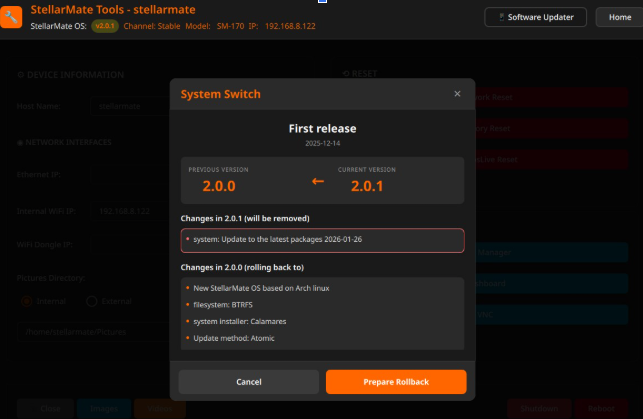
5. Snapshots and Rollbacks
The system automatically saves its state before updates and configuration changes. If something doesn't work right, simply select a previous snapshot from the StellarMate App or StellarMate Tools to instantly restore your system to a working state. Experiment freely, knowing you can always undo changes with ease.
Support
We are proud to offer top-notch support for our customers. Please make sure to check out the Frequently Asked Questions and Tutorial articles first. To report any issues with StellarMate or Ekos, please submit a ticket, and our support team will get back to you as soon as possible. Please make sure to submit the relevant logs to aid in diagnosing and resolving the issue efficiently.
Release History
- v2.4.0 Release 2026-10-05
- KStars 3.8.5 and INDI v2.2.5
- Bug fixes and performance improvements.
- v2.3.0 Release 2026-08-05
- KStars 3.8.4 and INDI v2.2.4
- Bug fixes and performance improvements.
- v2.2.1 Release 2026-06-05
- KStars 3.8.3 and INDI 2.2.2
- Bug fixes and performance improvements.
- v2.1.1 Release 2026-04-09
- KStars 3.8.2 and INDI 2.2.0
- Bug fixes and performance improvements.
- v2.0.1 Release 2026-03-18
- Fixed Bluetooth and GPS startup.
- GAIA-based astrometry files.
- v2.0.0 Release 2026-02-08
- New StellarMate OS based on Arch Linux
- KStars 3.8.1 & INDI 2.1.8 Flatpak