
Where do I download StellarMate OS?
After you purchase StellarMate OS, you should receive a confirmation email with links to the downloads. In the future, if you want to download StellarMate OS again, make sure you are logged in to the stellarmate.com website and then go to the Orders page.
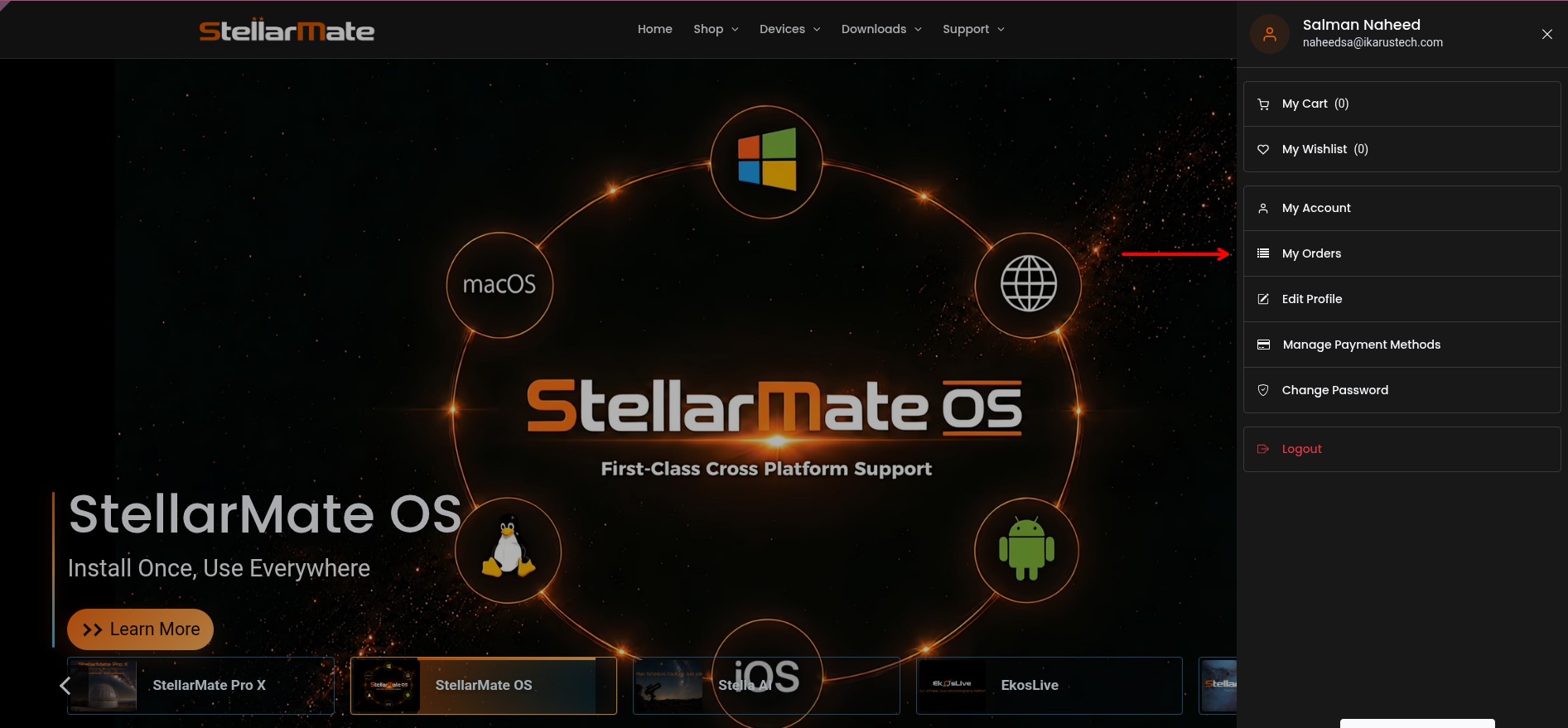
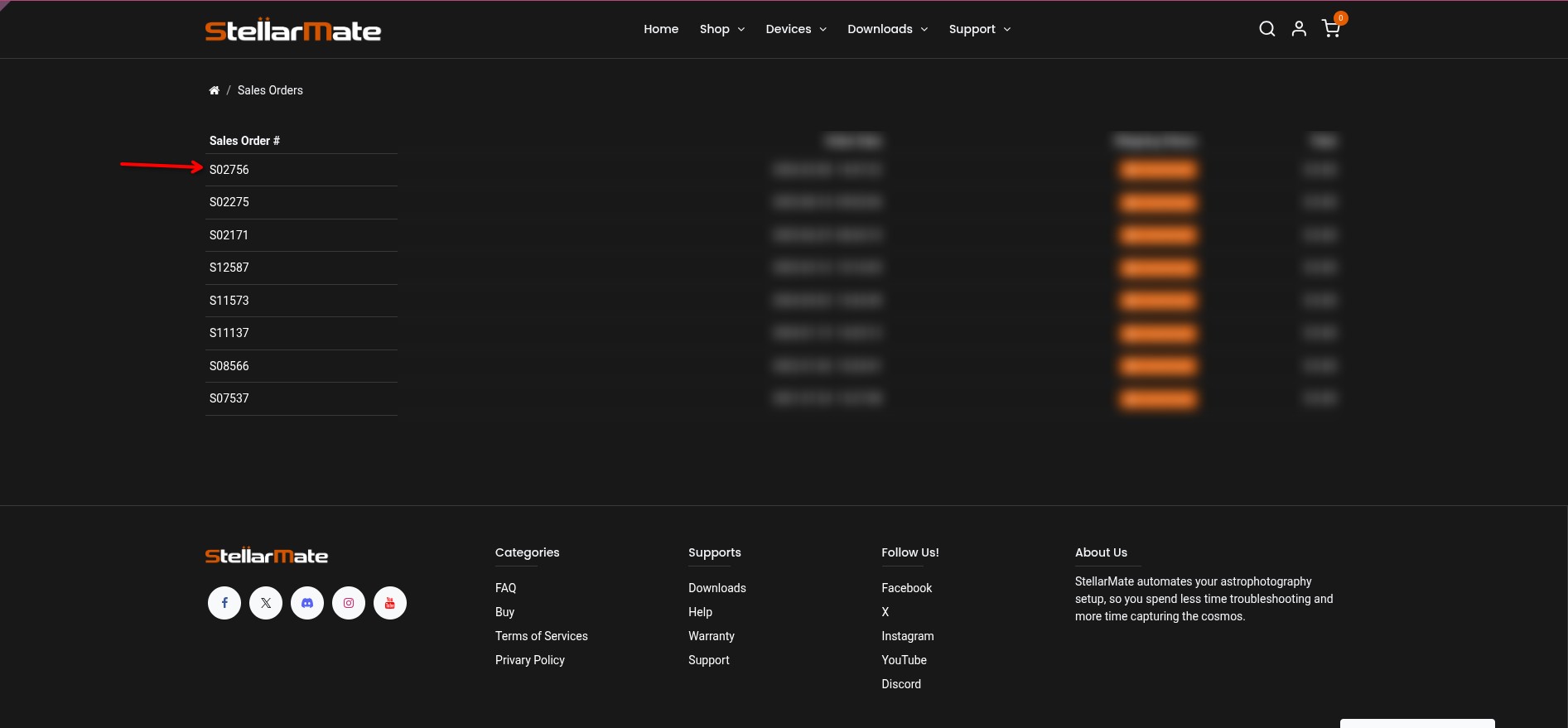
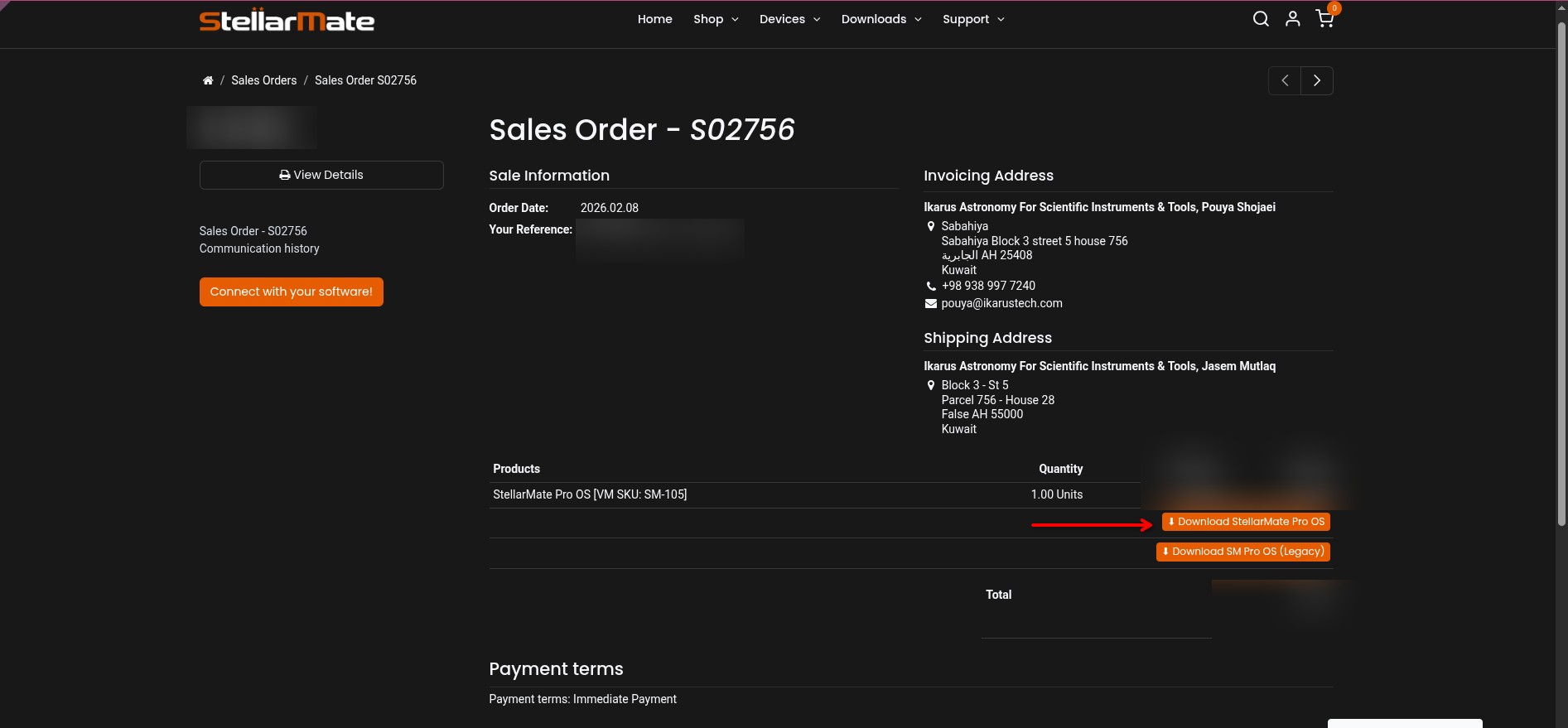
You should see a list of your orders. Click on your order link, then scroll down to see the downloads. Make sure to download the SM OS version appropriate for your hardware platform.
In case you have an issue with flashing the image with Raspberry PI imager, please follow these steps:
- Using the Raspberry Pi Imager, install Misc Utility Images -> Bootloader -> SD Card Boot.
- Move the card to the RP and boot, then power off and remove the card.
- Erase the card using Raspberry Pi Imager, remove the card from the computer, and insert it again.
- Using Raspberry Pi Imager, install the StellarMate image.