How to change the monitor resolution?
You can change the Screen configuration by following the steps below:
- Click on the Start Menu
- Select Preferences --> Screen configuration
You can also check the Video below:
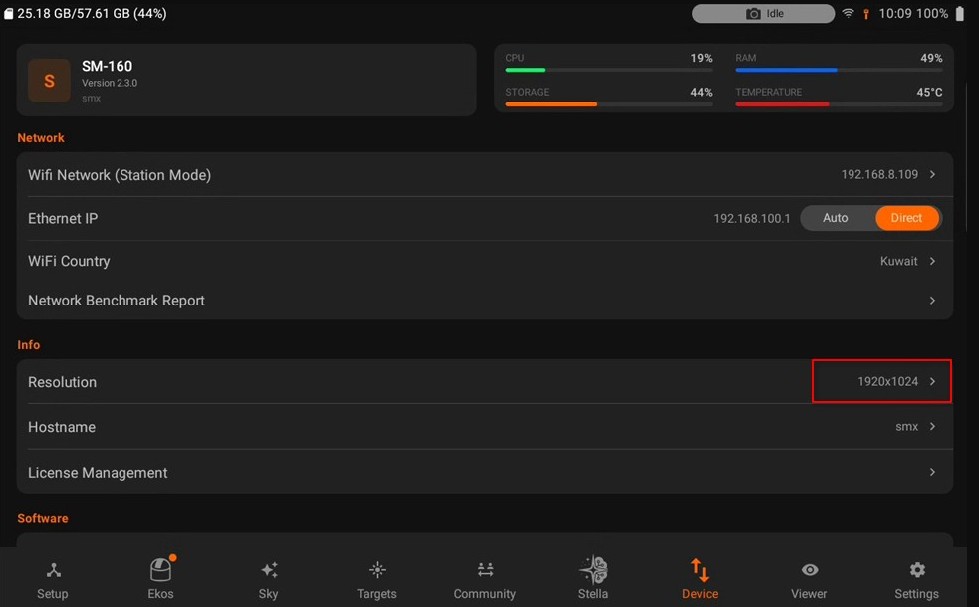
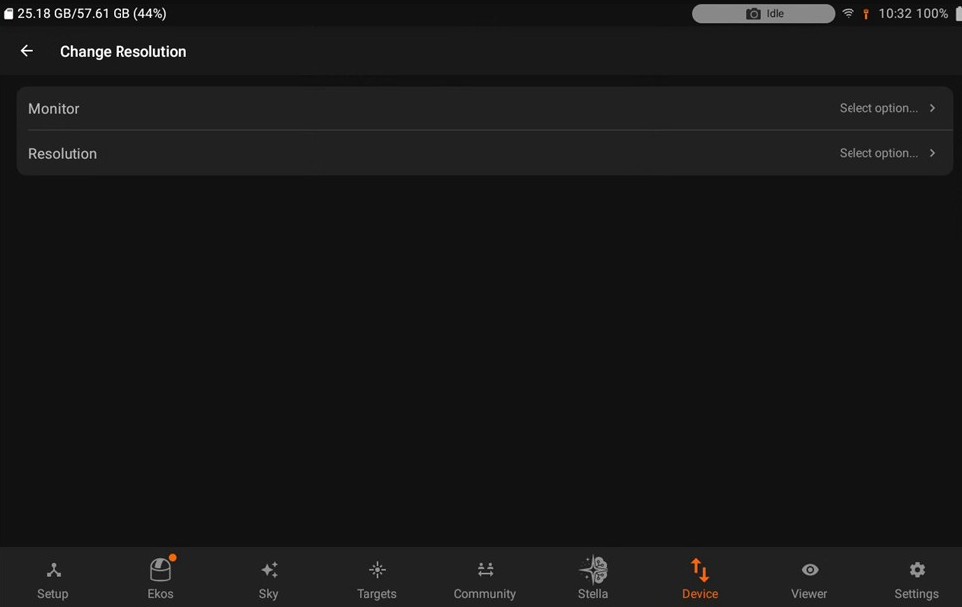
You can also change the resolution using the SM App.
- Navigate to the Device tab.
- Select the available monitor display and change its resolution.