How to access images on StellarMate from PC/Mac?
If you captured images and saved them to StellarMate, then they should be available by default under /home/stellarmate/Pictures. To access the images over the network, there are few options:
- On Windows, click on the Network icon in the left pane of File Explorer as illustrated below.
Windows 11 users may have issues accessing Samba shared over the network. Please follow this extenstive guide on how to make it work again.
If you do not see the StellarMate network share, please map the network drive as shown in this video:
- On Linux & MacOS: Use FileZilla to connect to StellarMate via Secure FTP (sftp) using your username (stellarmate) and password (smate). Remember to set port to 5624.
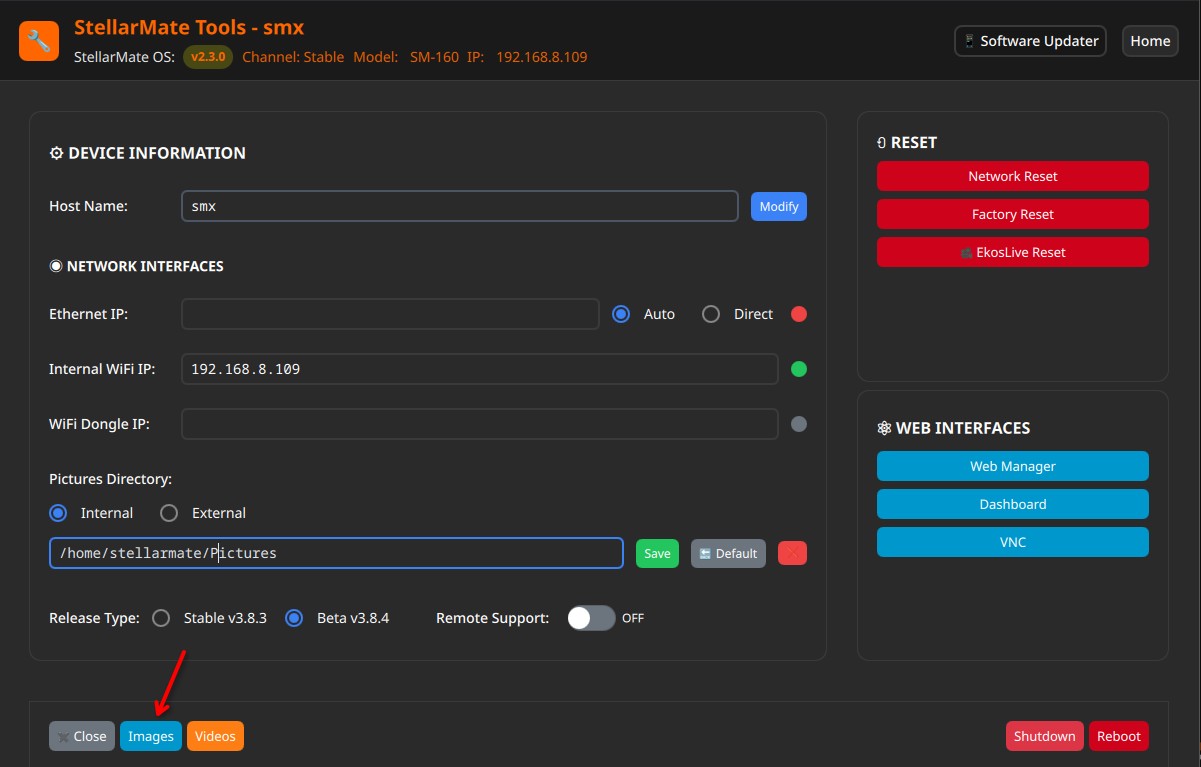
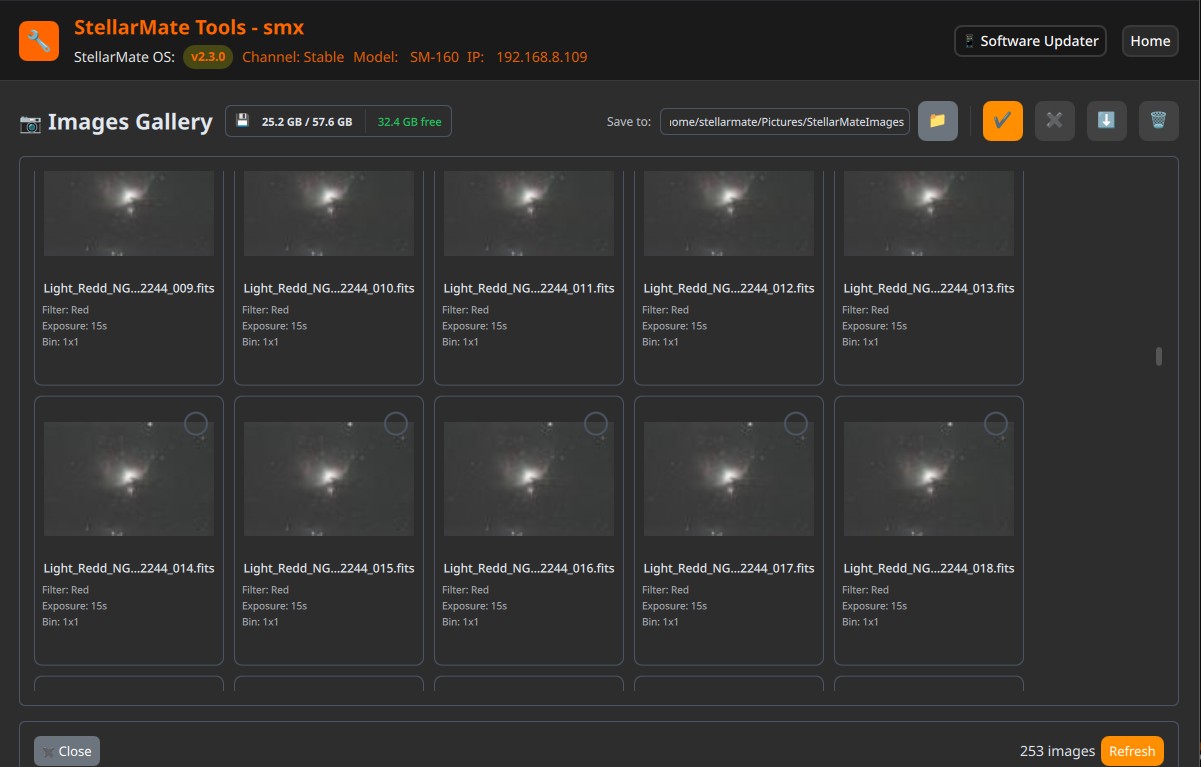
- On StellarMate tools, you can access captured images. Please select your desired SM Device on the network and look for images under Settings.