How to perform Post-processing in StellarMate App?
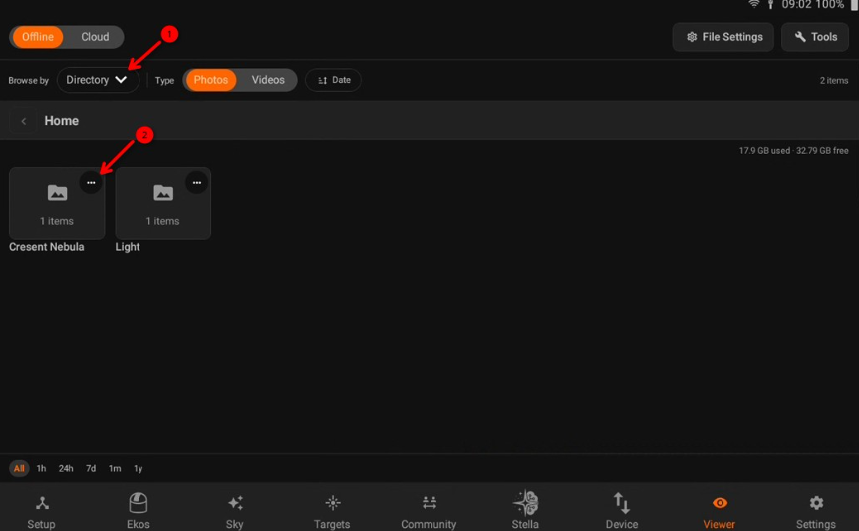
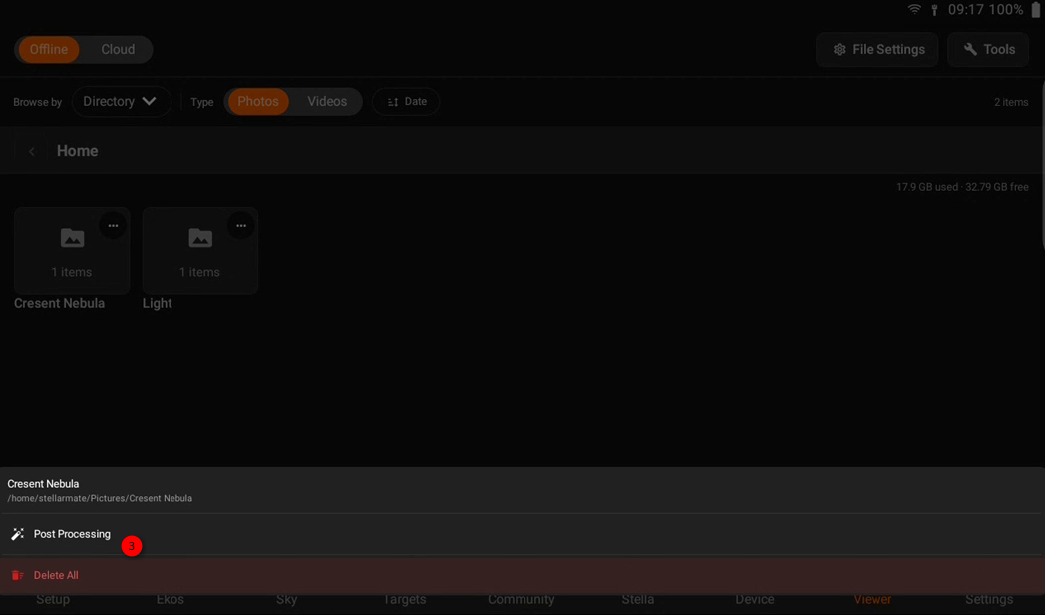
Post Processing can be accessed either via the *Tools* menu or by changing the filter to *Directory*, then tapping on the directory to launch it. The directory should contain all your light and calibration (dark/bias/flat) frames and the App would automatically assigned each file to their respective category for calibration. You can also override this and specify your own master files if they exist outside the selected directory.