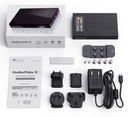
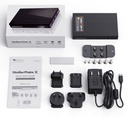
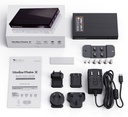
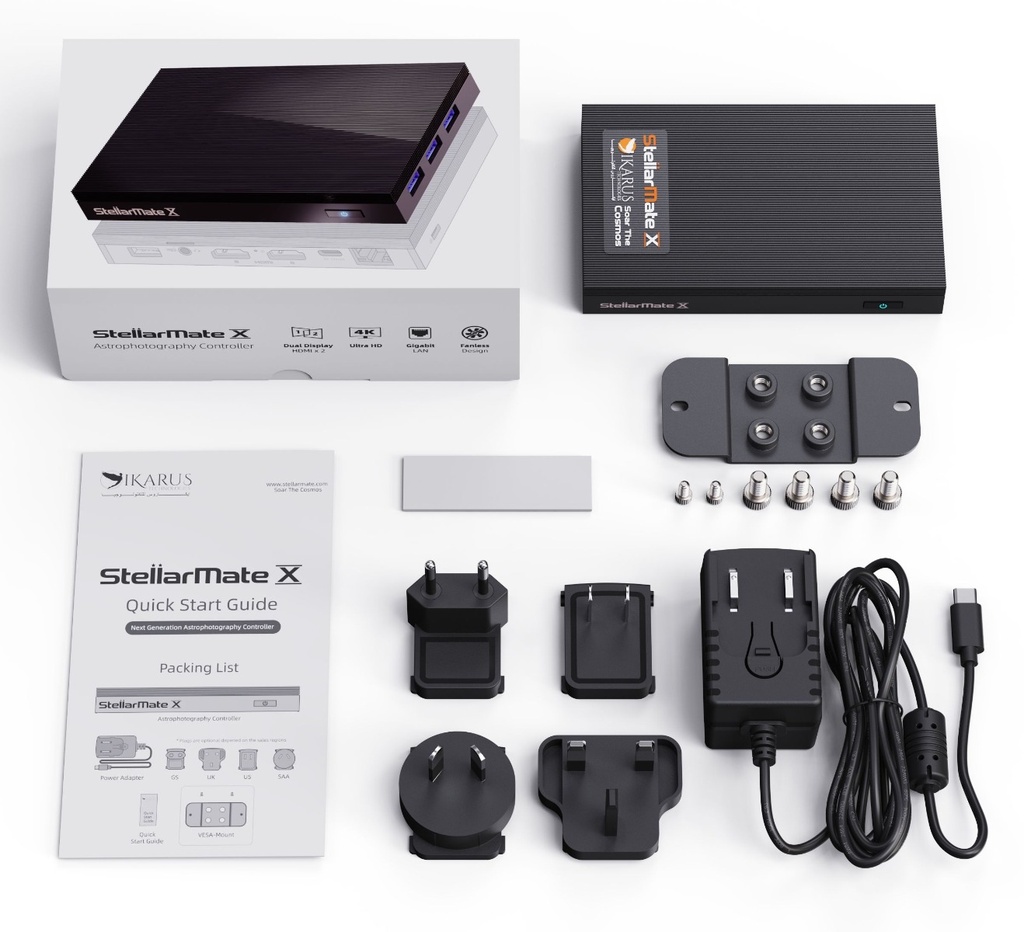
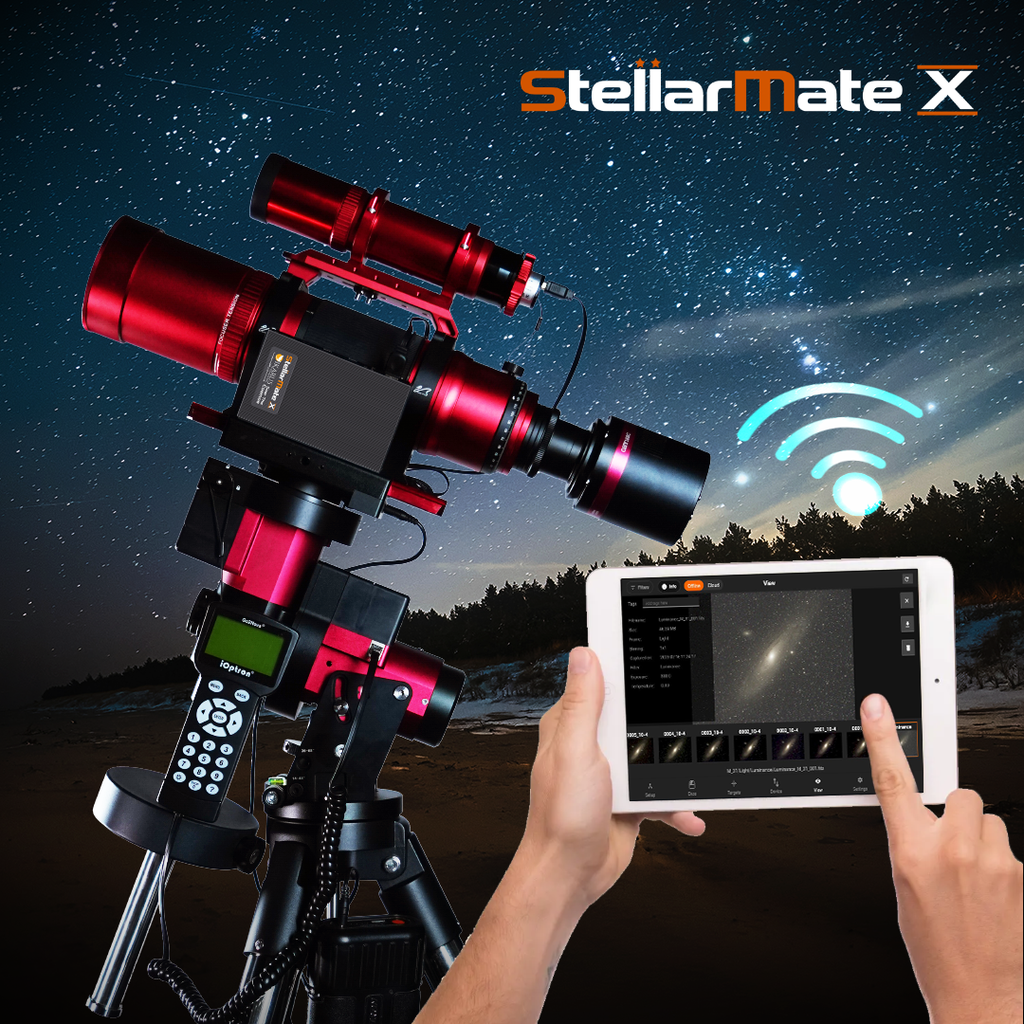
StellarMate X is a compact, powerful, and blazing-fast Astrophotography Controller designed to support a vast array of mounts, cameras, and astronomical equipment. Powered by robust Open Source technologies, it is meticulously designed by astrophotographers for astrophotographers.
Operating silently with zero moving parts, StellarMate X is 4x faster than StellarMate Plus, equipped with 4GB RAM and 64GB storage for fast, seamless, and reliable control of your high-resolution astronomical equipment.
Quick Setup in 3 Easy Steps
-
Connect Equipment: Plug your mount, camera, DSLR, focuser, or filter wheel into StellarMate X via USB or WiFi.
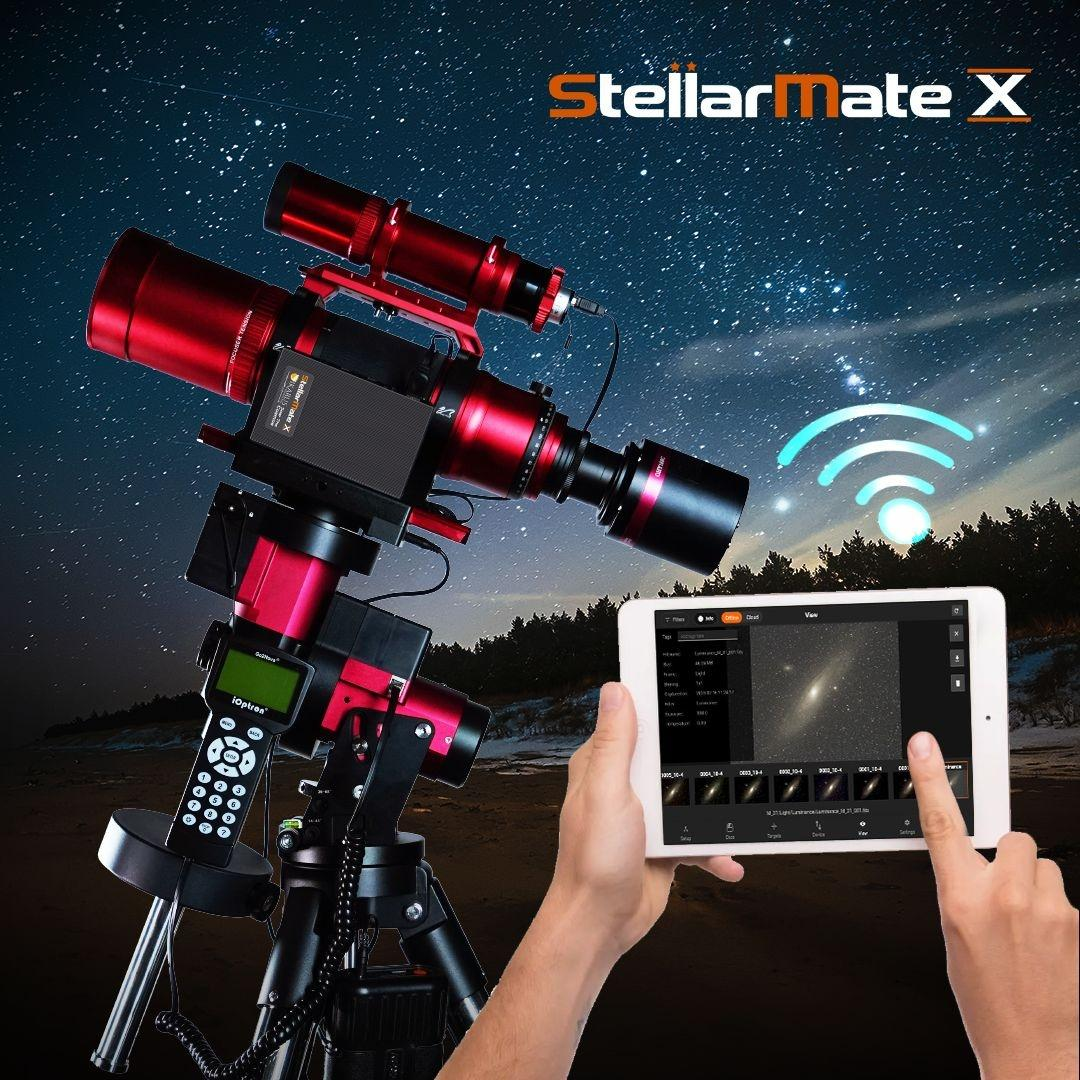
- Connect Device: Connect to StellarMate X from your Phone, Tablet, Laptop, or Desktop.
- Start Imaging: Control your observatory using the Ekos tool (Windows, MacOS, Linux) or the StellarMate Mobile App (iOS, Android).
StellarMate X and EkosLive
EkosLive is our online service that connects you to your StellarMate device. Creating an EkosLive account is free for everyone.
- No internet needed to use StellarMate. StellarMate OS works fully offline. You need internet only once: the very first time you set up the StellarMate App, to log in and register your device. After that first time, you never need internet again, not even when you start a new session, so you can image at any remote location with no internet. The App connects to your device over its own WiFi hotspot or your local network.
- Register your device. Every StellarMate X has its own serial number and QR code. Log in to the StellarMate App with your EkosLive account and scan the QR code. The device is then added to your account.
- Your OS, ready to reinstall. After you register the device, we create a free order for you on stellarmate.com with the StellarMate OS for your StellarMate X. If you ever need to reinstall, download it from your Orders page.
- The StellarMate App uses your EkosLive account. When you connect remotely, the App reaches your device through EkosLive, which acts as a relay.
- Control from anywhere. Use EkosLive in any web browser to control your equipment, at home or away.
- Optional paid plans. EkosLive Pro and Ultimate plans add extra features, such as cloud storage for your images.
Want to see how it all fits together? Read How StellarMate Works and Connecting to StellarMate in our Learn StellarMate guide.
The StellarMate App Capabilities
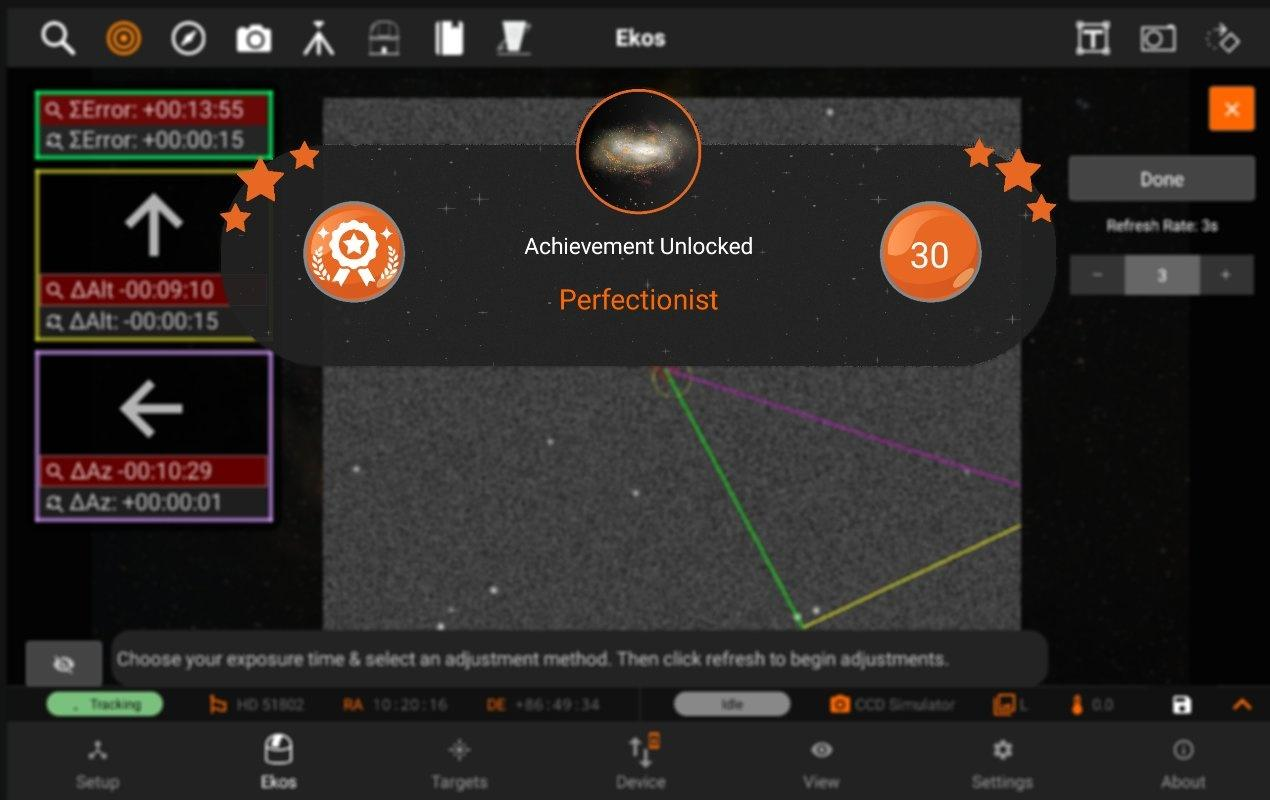
Polar Alignment
Highly accurate alignment algorithms for both GOTO and non-GOTO mounts.
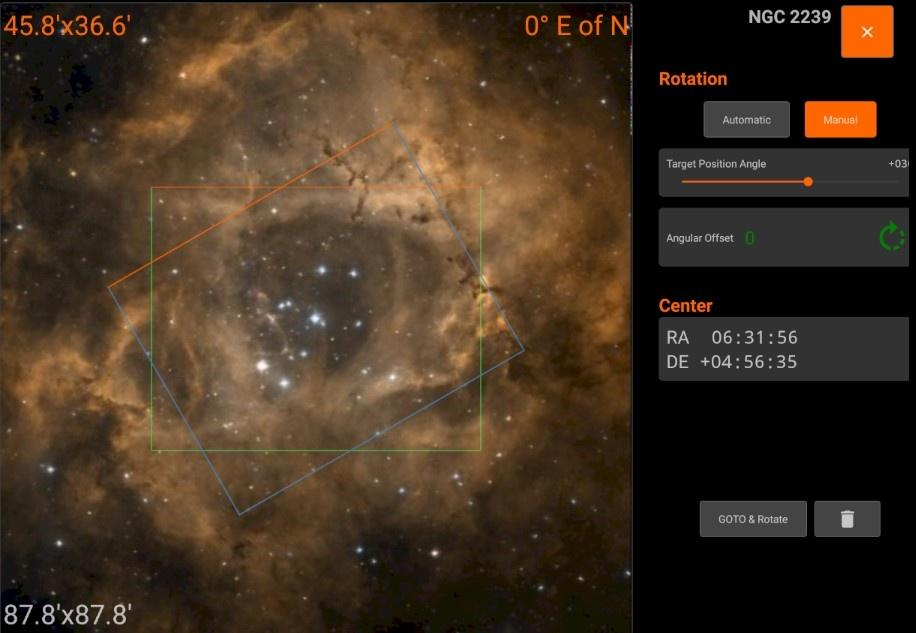
Framing Assistant
Automatically center and rotate your field of view to match your desired composition.
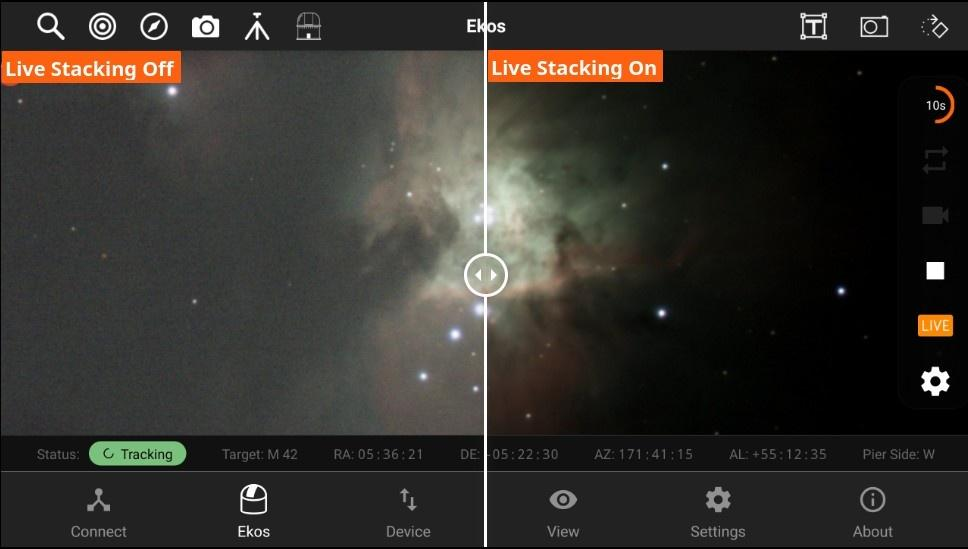
Live Stacking
Watch fine deep-sky details emerge in real-time as frames stack and noise decreases.
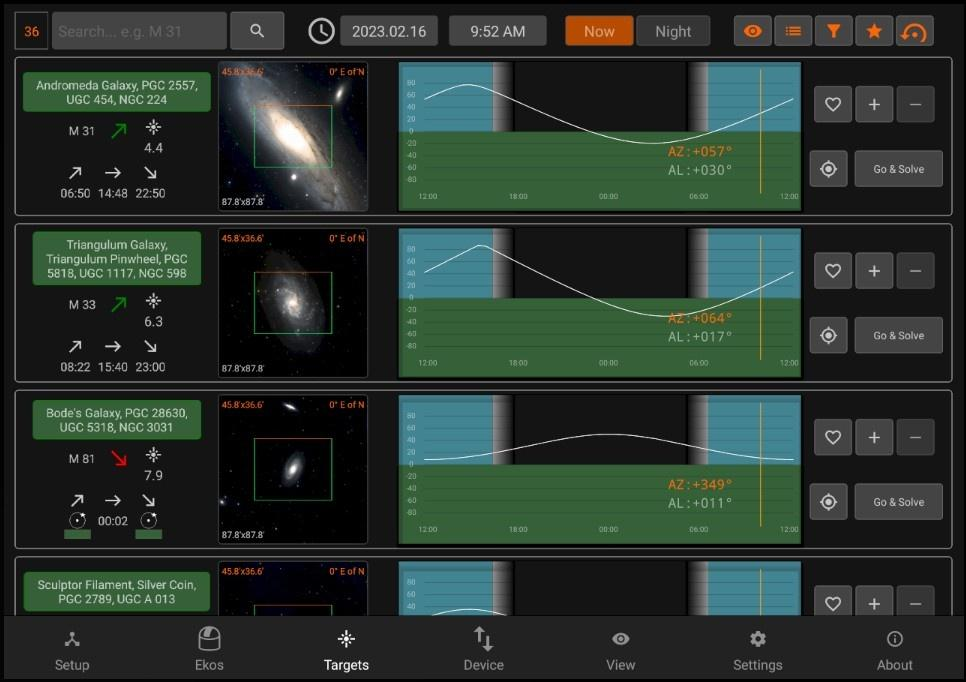
Target Suggestions & GoTo
Explore customized targets for your location and GoTo with sub-arcsecond accuracy.
Gallery & Metadata
Sort, view, and export images with full metadata support to your devices.
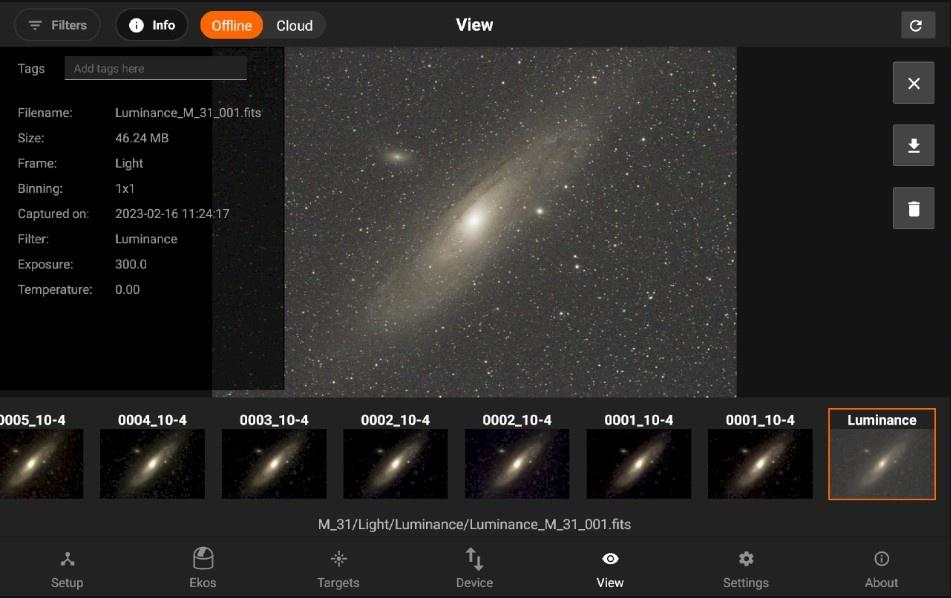
Automation & Auxiliary Control
Automate focus, monitor weather (3-hr cloud maps), and control domes or flat panels seamlessly.
Hardware Specifications
Passive cooling design ensures 100% silent, dust-free, and fanless operation with optimized thermal dissipation.
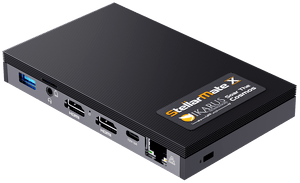
| Processor (CPU) | Intel Gemini Lake Celeron J4125 Quad-Core |
|---|---|
| Graphics (GPU) | Intel HD Graphics 600 |
| Operating System | StellarMate OS |
| System Memory | 4GB LPDDR4 |
| Internal Storage | 64GB eMMC Built-in |
| Expandable Storage | Micro SD up to 2TB, M.2 SSD/NVMe 2280 up to 4TB |
| USB Ports | 4x USB 3.0 Ports |
| Video Output | 2x HDMI 2.0 (Supports 4K@60Hz) |
| Networking | Gigabit LAN Port + Built-in Wi-Fi |
| Audio & Security | 3.5mm Audio Jack | Kensington Lock Slot |
| Power Supply | USB Type-C (Power delivery only) |
Mounting & Cable Compatibility
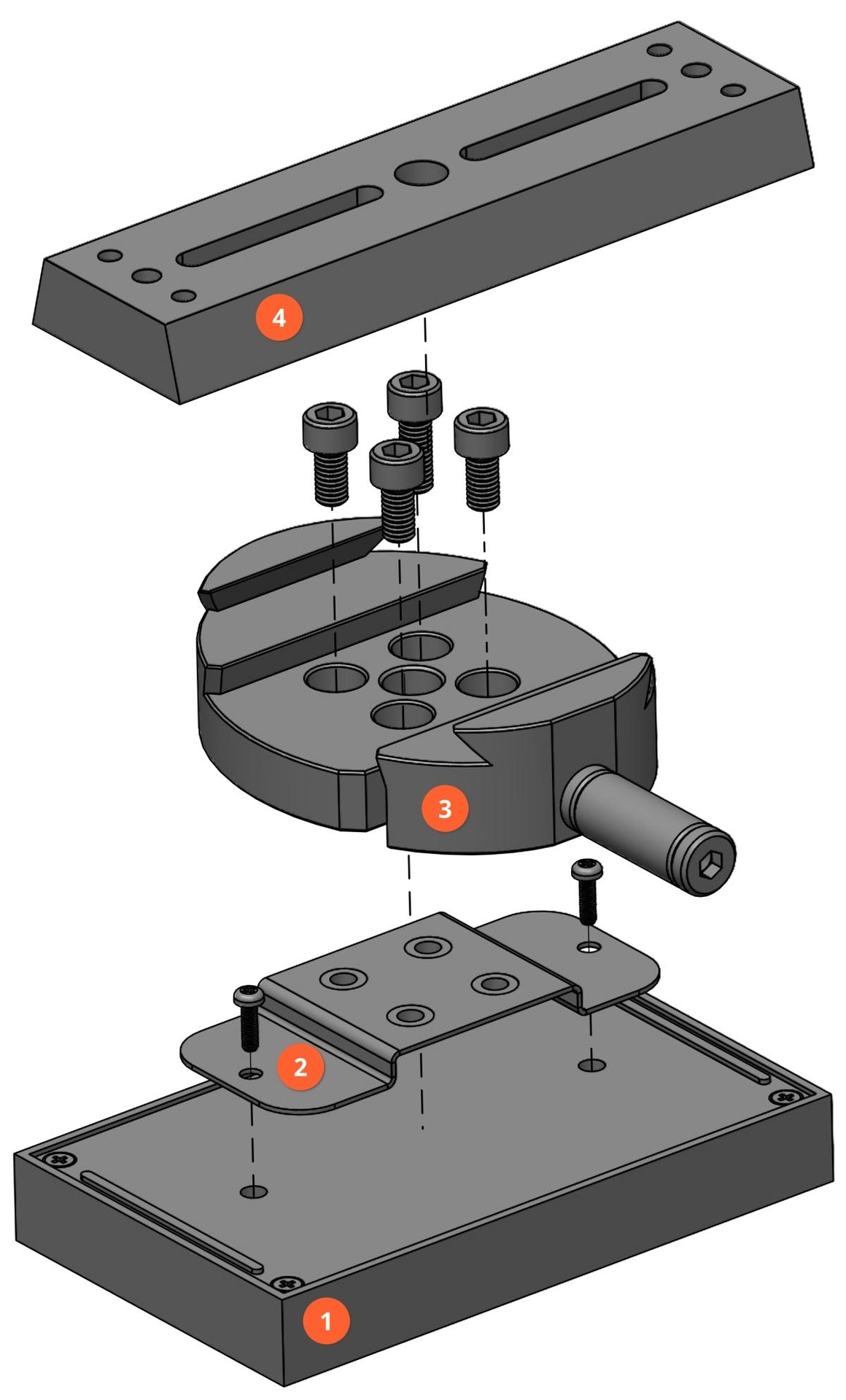
Secure the included mount adapter (2) to the back of StellarMate X (1) using two M3 screws. Connect to dovetails via the included 4x M6 screws. We recommend using the Ikarus Universal Vixen/Losmandy Clamp (3) to attach it to your dovetail (4).
Optional Serial Cables
* Mounts connecting over Wi-Fi or Direct USB do not require special cables.
| Cable Code | Supported Mount Models |
|---|---|
| IKA-201 | SkyWatcher EQ6, Syntax, Orion Atlas |
| IKA-202 | iOptron (Gotonova RJ9 handsets) |
| IKA-203 | Meade (Autostar #497) |
| IKA-204 | Meade (Autostar II) |
| IKA-205 | Celestron (RJ12 handsets) |
| IKA-206 | SkyWatcher EQ3, EQ5, EQ6 Pro, EQ8 |
| IKA-207 | SkyWatcher AZ-GTi |
Default Credentials & Resources
smate
stellar@mate
Documentation & Learning
Need help? Check out the FAQ or Submit a Support Ticket (remember to include your logs).
| Brand | Ikarus Technologies |