Download details

KStars for Linux (Flatpak) HOT
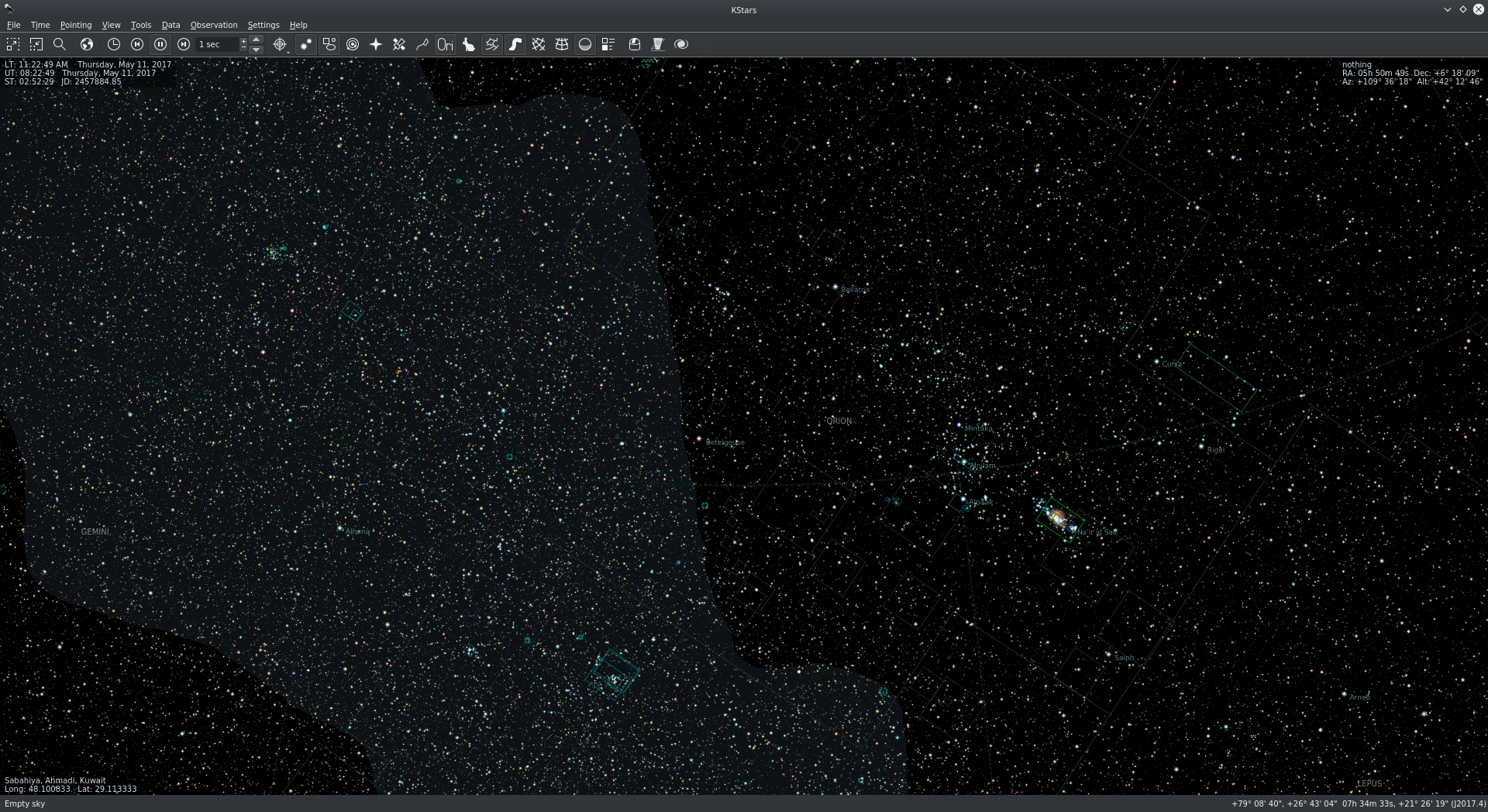
Stable KStars from Flathub, for any Linux distribution.
KStars for Linux
On StellarMate
KStars comes pre-installed on StellarMate, so there is nothing to download. Keep it up to date with the Software Updater on the StellarMate desktop, or the updater in the StellarMate App.
On Any Other Linux: Install from Flathub
The stable KStars is published by KDE on Flathub as a Flatpak, with all INDI drivers included. It runs on Ubuntu, Debian, Fedora, Arch, openSUSE and most other distributions.
Step 1: Install Flatpak (if you don't have it)
Ubuntu / Debian:
sudo apt install -y flatpakArch:
sudo pacman -S --needed flatpakFedora and many other distributions already include Flatpak.
Step 2: Add the Flathub Repository
flatpak remote-add --if-not-exists flathub https://dl.flathub.org/repo/flathub.flatpakrepoStep 3: Install KStars
flatpak install -y flathub org.kde.kstarsStart KStars
Launch it from your applications menu (you may need to log out and back in the first time), or from a terminal:
flatpak run org.kde.kstarsUpdating
A new stable KStars is released every two months. Update it with:
flatpak update org.kde.kstarsMany software centers (GNOME Software, KDE Discover) also update Flatpak apps for you.
Want to Try the Latest Features?
The KStars Nightly for Linux is built every night from the development code. It installs alongside the stable version, but may be unstable.